Find posted hospital prices while visitor submissions are closed
Use the hospital-posted snapshot and understand why the separate visitor wall has no entries yet. No bills or personal details are needed. About 3 minutes.
Watch it (1:10, no sound)
- Open Denied But Heard at deniedbutheard.org or the review link you were given. A published page is publicly reachable even when it is noindex.
- The visitor wall and hospital-posted catalog are separate sources. Visitor submissions are closed.
- Know the service and location you want to look up. Posted rates are not your out-of-pocket quote.
Step by step
1Read the visitor-wall notice
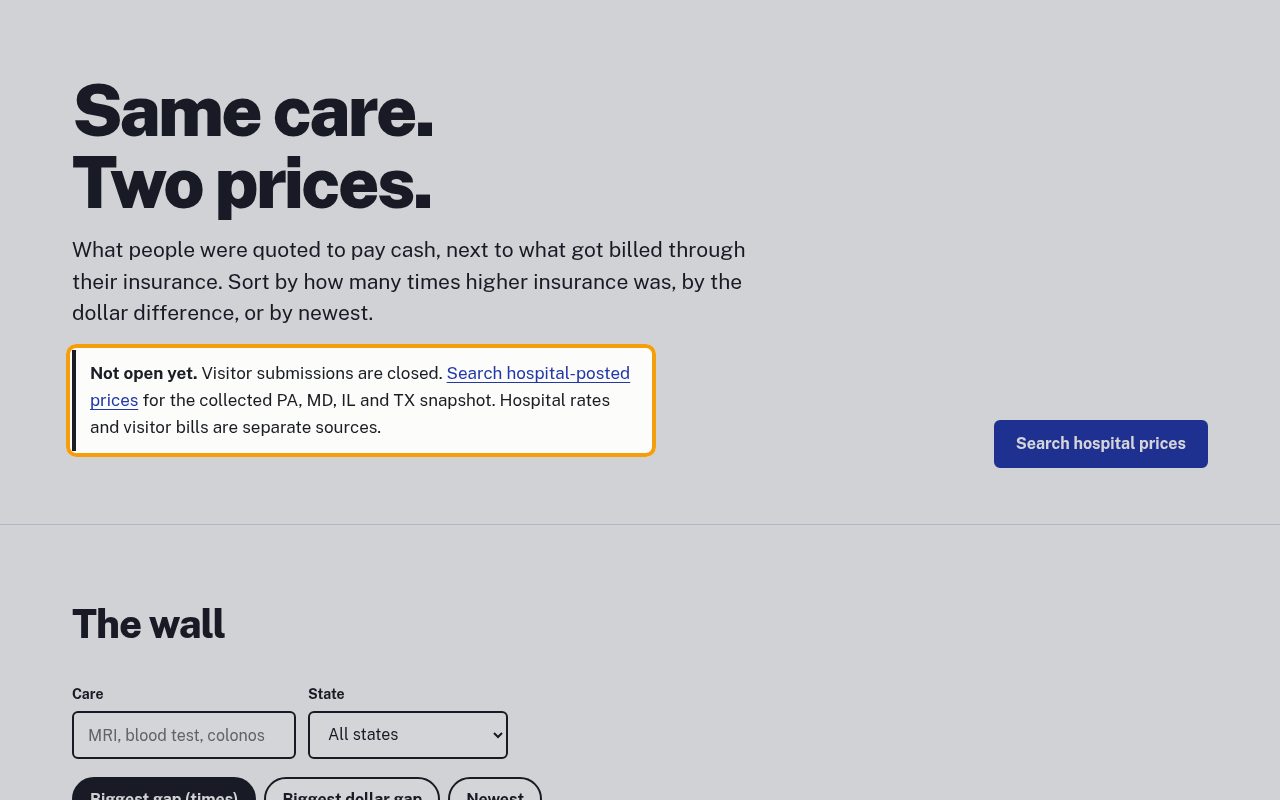
Open deniedbutheard.org/wall/. The Not open yet. notice says Visitor submissions are closed. The Search hospital-posted prices link leads to a separate collected snapshot; visitor bills do not populate that catalog.
2Keep your own prices for later
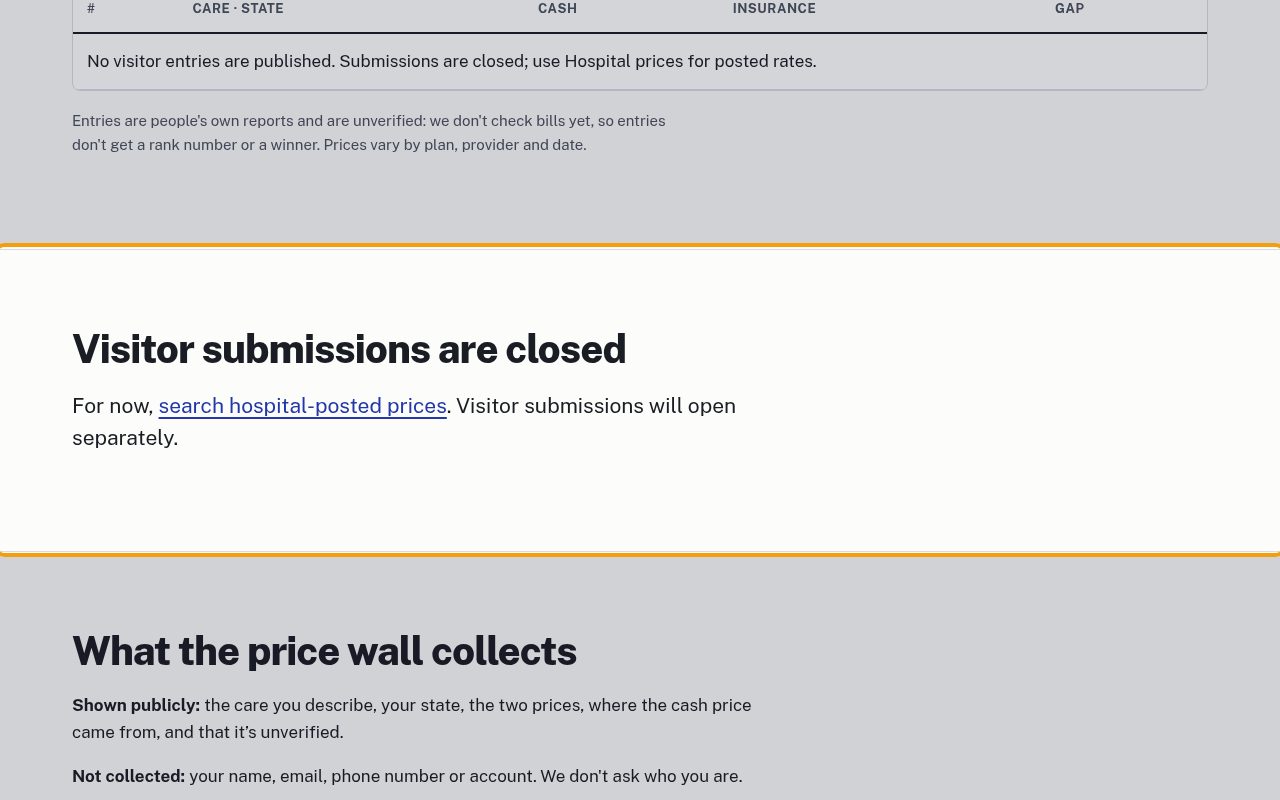
Under Visitor submissions are closed, the page offers the hospital lookup instead of an entry form. Keep your own cash quote and insurance paperwork privately. There is nothing to submit here now.
3Open the hospital lookup
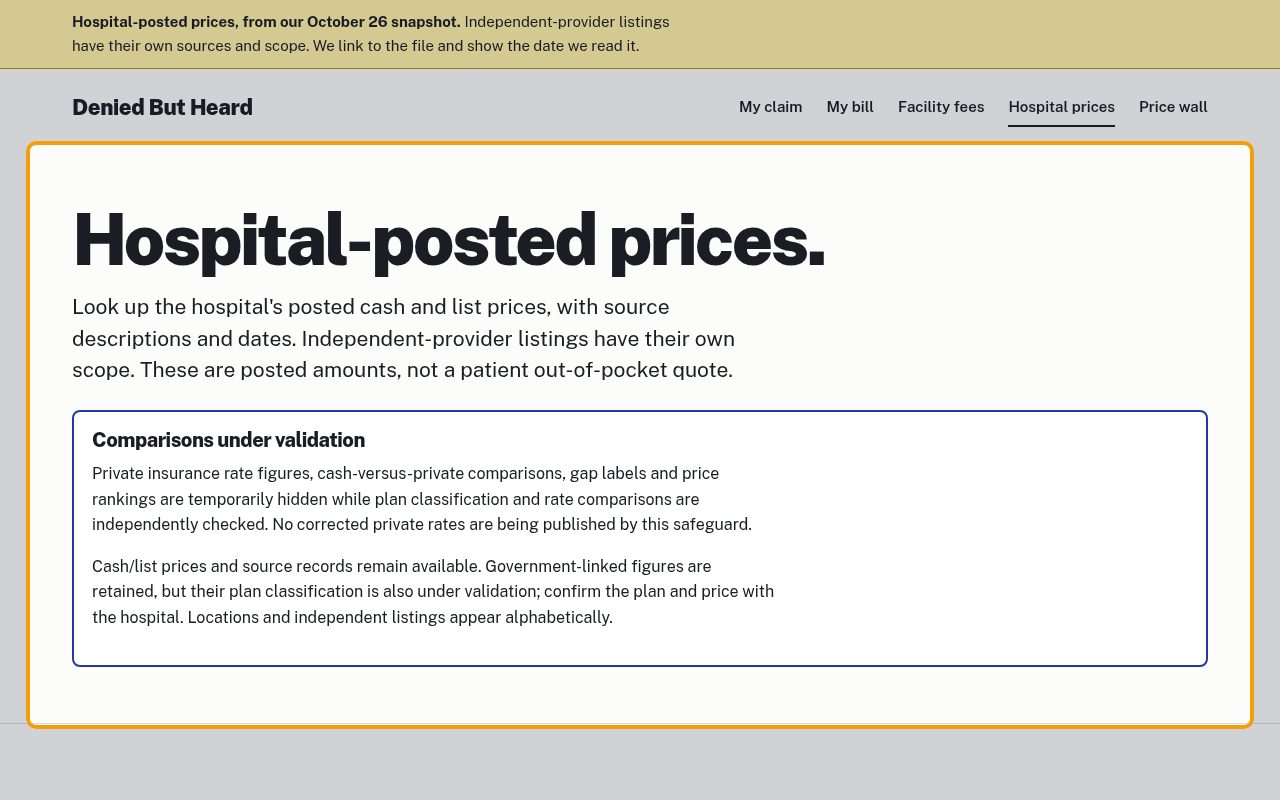
Choose Hospital prices in the menu or follow Search hospital-posted prices from the visitor wall. Hospital-posted prices. introduces the saved snapshot. Comparisons under validation explains why private insurance figures and price rankings are temporarily hidden. These are posted rates, not a patient out-of-pocket quote.
4Choose the service and location
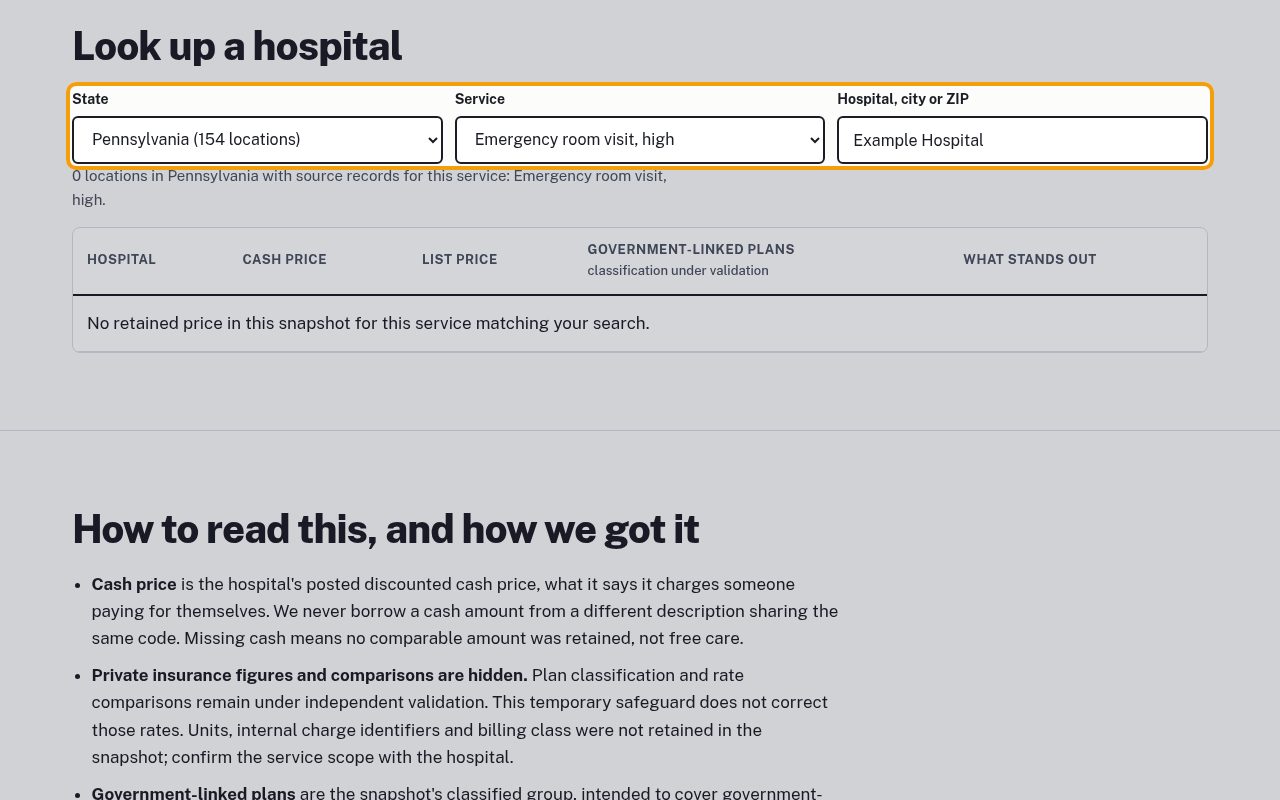
Under Look up a hospital, choose State and Service. Type a real name, city or ZIP in Hospital, city or ZIP; this screenshot uses the nonexistent Example Hospital, so no results match. Missing cash means no comparable amount was retained, not free care.
5Read the scope before comparing
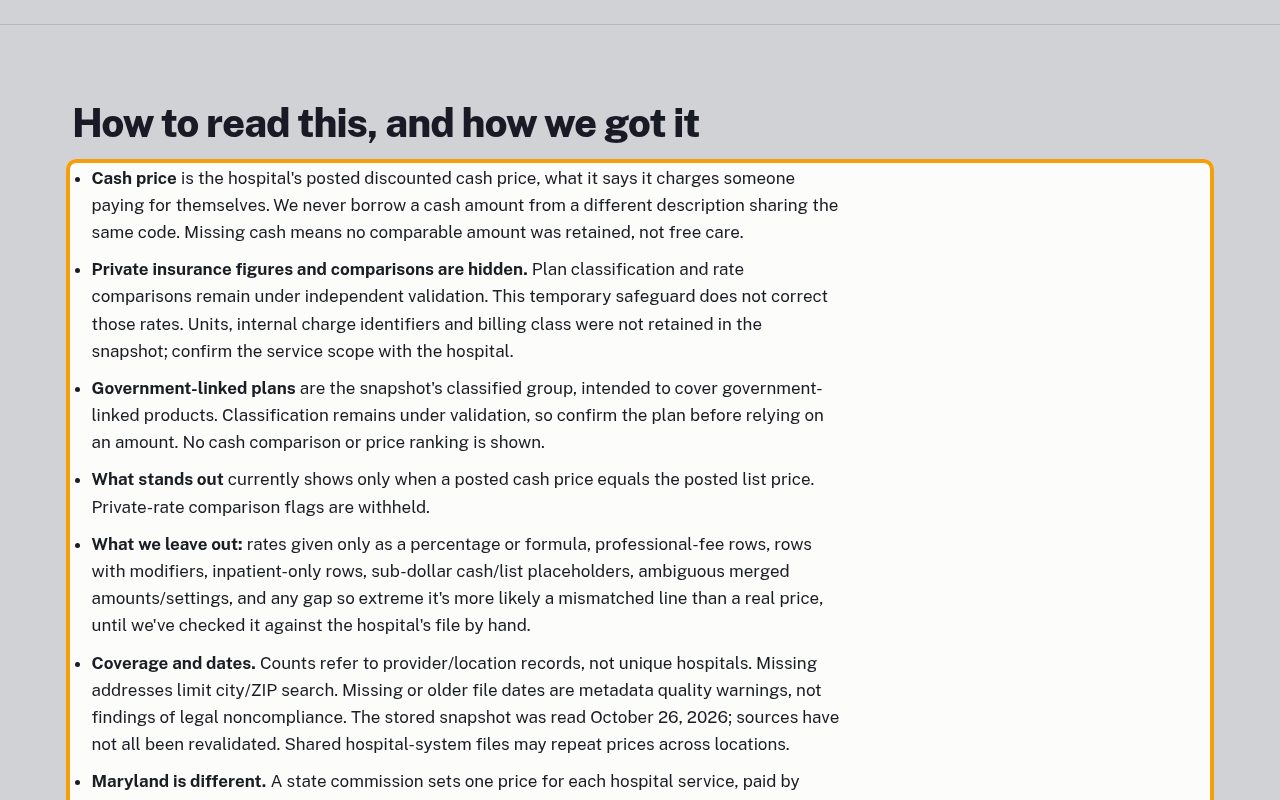
Under How to read this, and how we got it, check the cash/list-price scope and the classification warnings. Private-rate figures and comparisons are hidden, not corrected. Review source descriptions, dates, missing metadata and possible separate professional fees. Ask the hospital to confirm the service, units, fees and your insurance benefits before relying on a price.
If something goes wrong
- The visitor wall has no entries
- Visitor submissions are closed. Use the separate hospital-posted catalog; do not upload bills or personal details.
- No hospital matches my search
- Clear the example name and check the state and service. Missing addresses limit city/ZIP searches, and only retained snapshot records appear.
- The price data couldn't load
- Select a state to retry, or reload the page. Check the source date and ask the hospital to confirm current prices.