Log out-of-pocket living expenses
Record a hotel bill or other extra living cost with its receipt, then note when you sent it to the insurance company and what they paid back. About 3 minutes per expense.
Watch it (1:44, no sound)
- The receipt (a photo of it, or a PDF) and the amount.
- Your policy may call this Additional Living Expense or Loss of Use. It usually covers the increase over your normal costs, up to the policy's limits; ask your adjuster what's covered.
Step by step
1Open Expenses
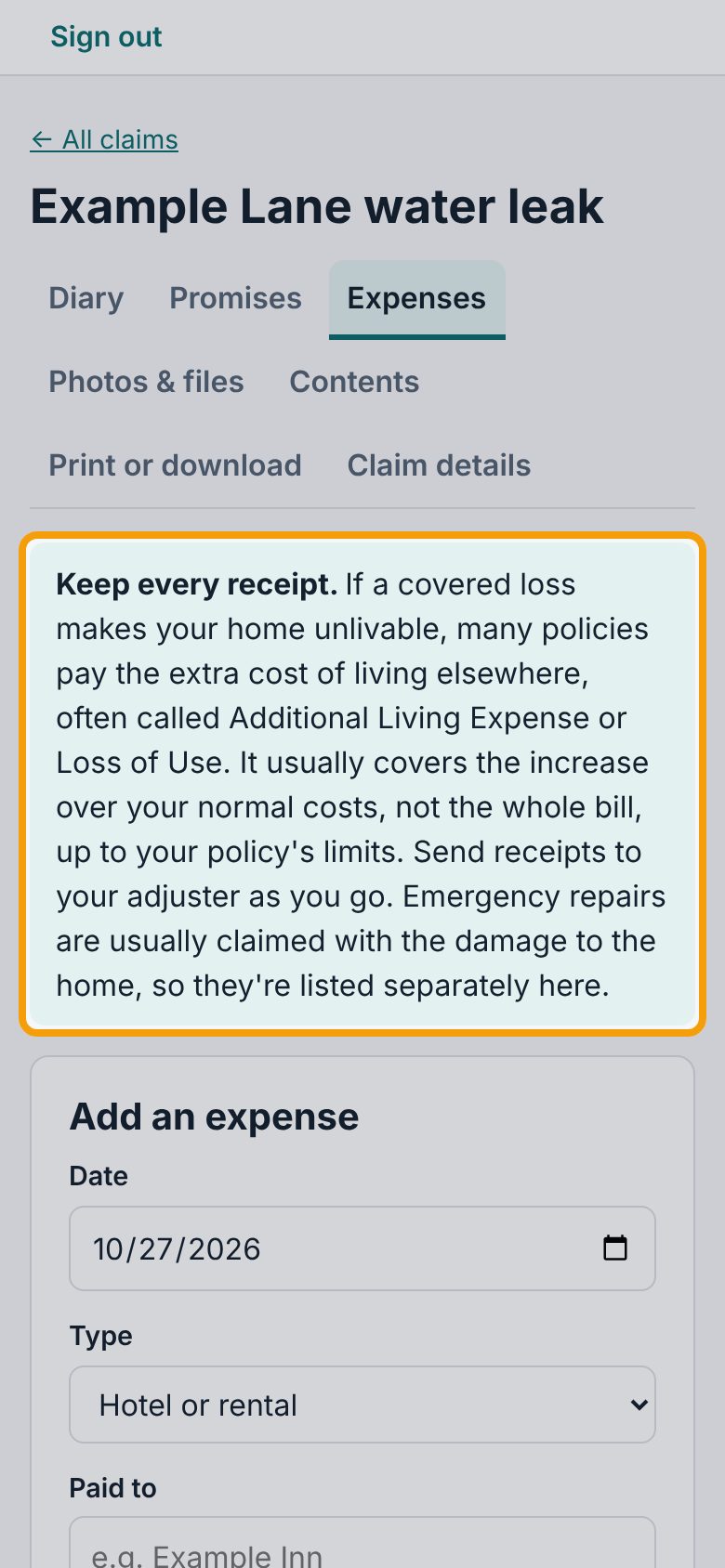
Open your claim and tap the Expenses tab. The note at the top, Keep every receipt., explains what policies usually pay for. Emergency repairs are kept in their own list, because they're usually claimed with the damage to the home.
2Fill in the expense
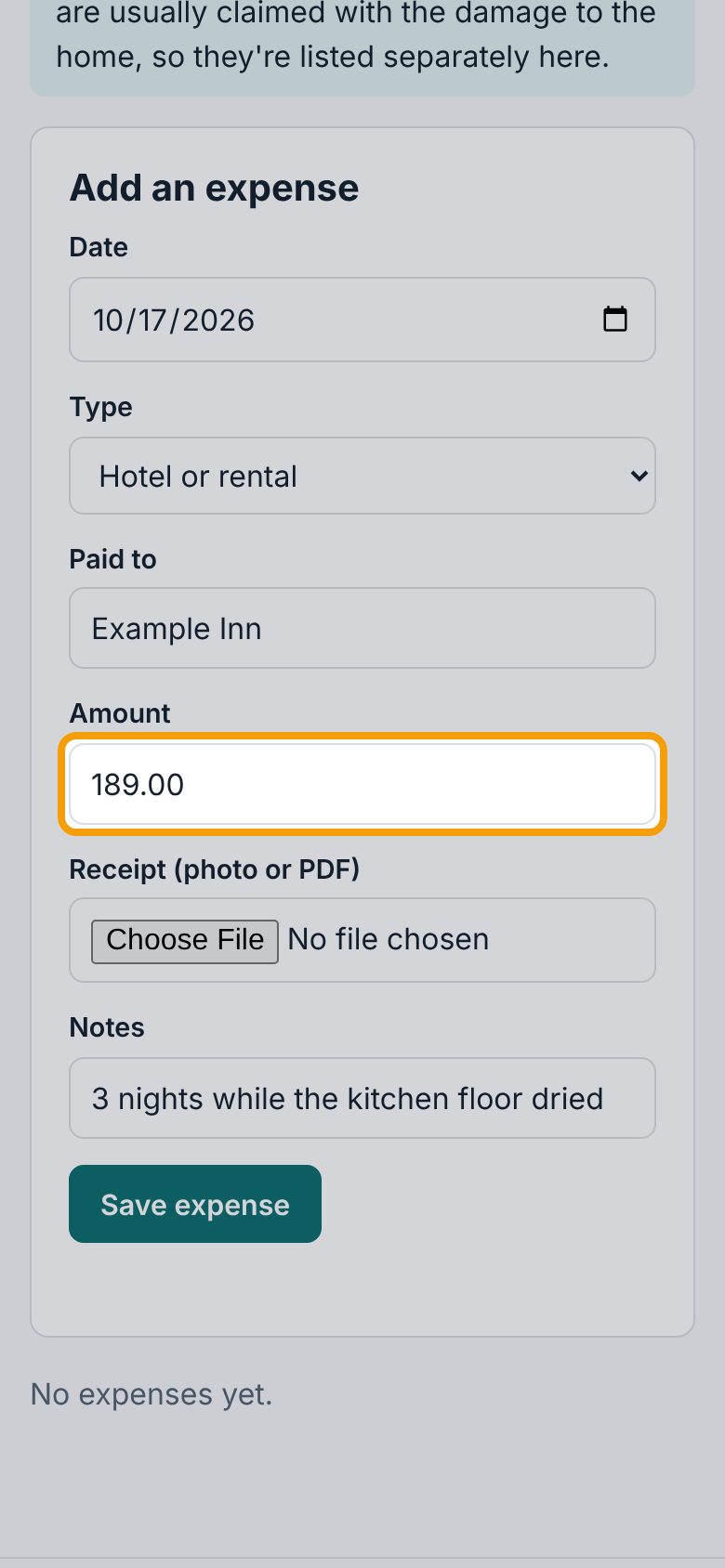
Under Add an expense, set the Date you paid, the Type (like Hotel or rental, Extra food costs or Extra mileage), who you Paid to, and the Amount. Add a short Notes line if it helps, like how many nights.
3Add the receipt
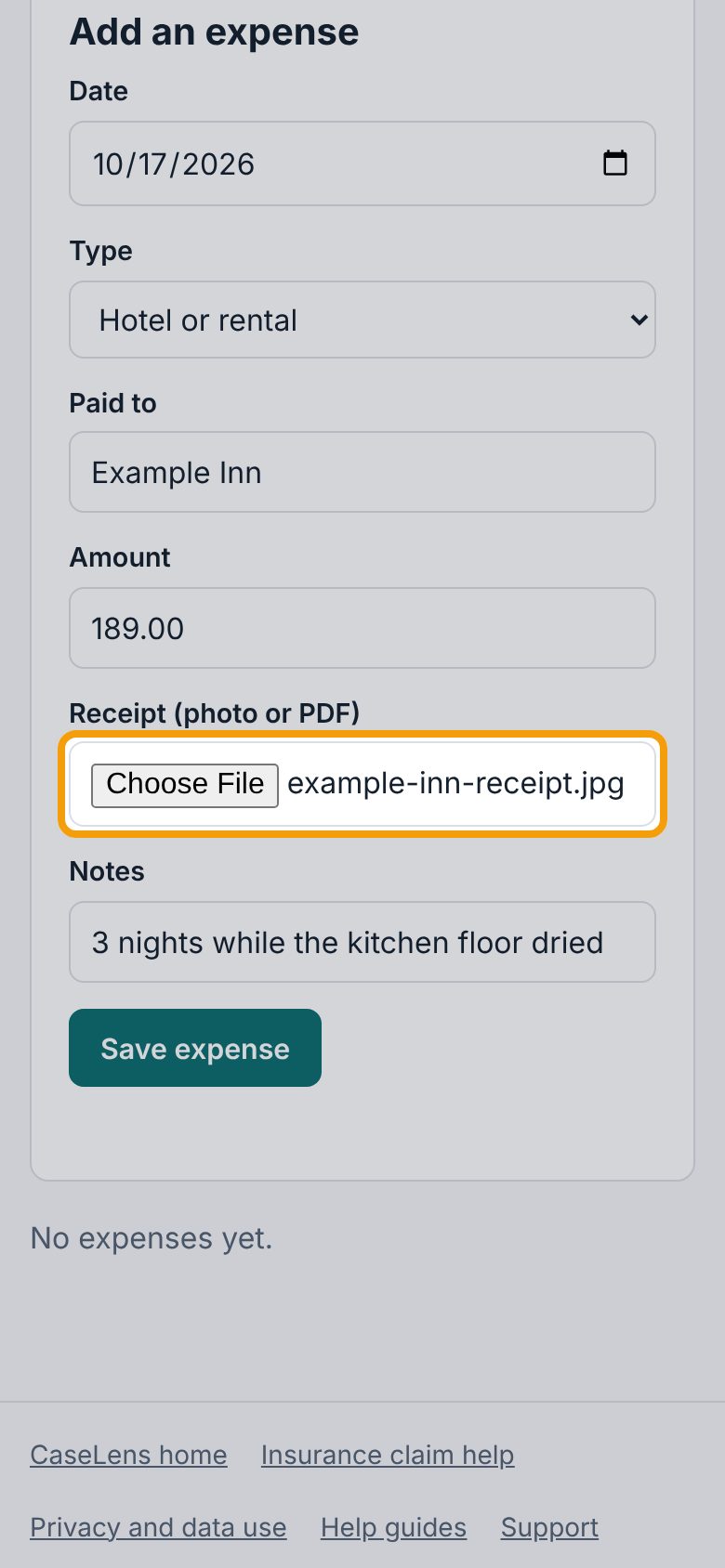
Under Receipt (photo or PDF), tap Choose File. On a phone you can take a photo of the receipt right then, or pick one you already have. Files up to 25 MB.
4Save the expense
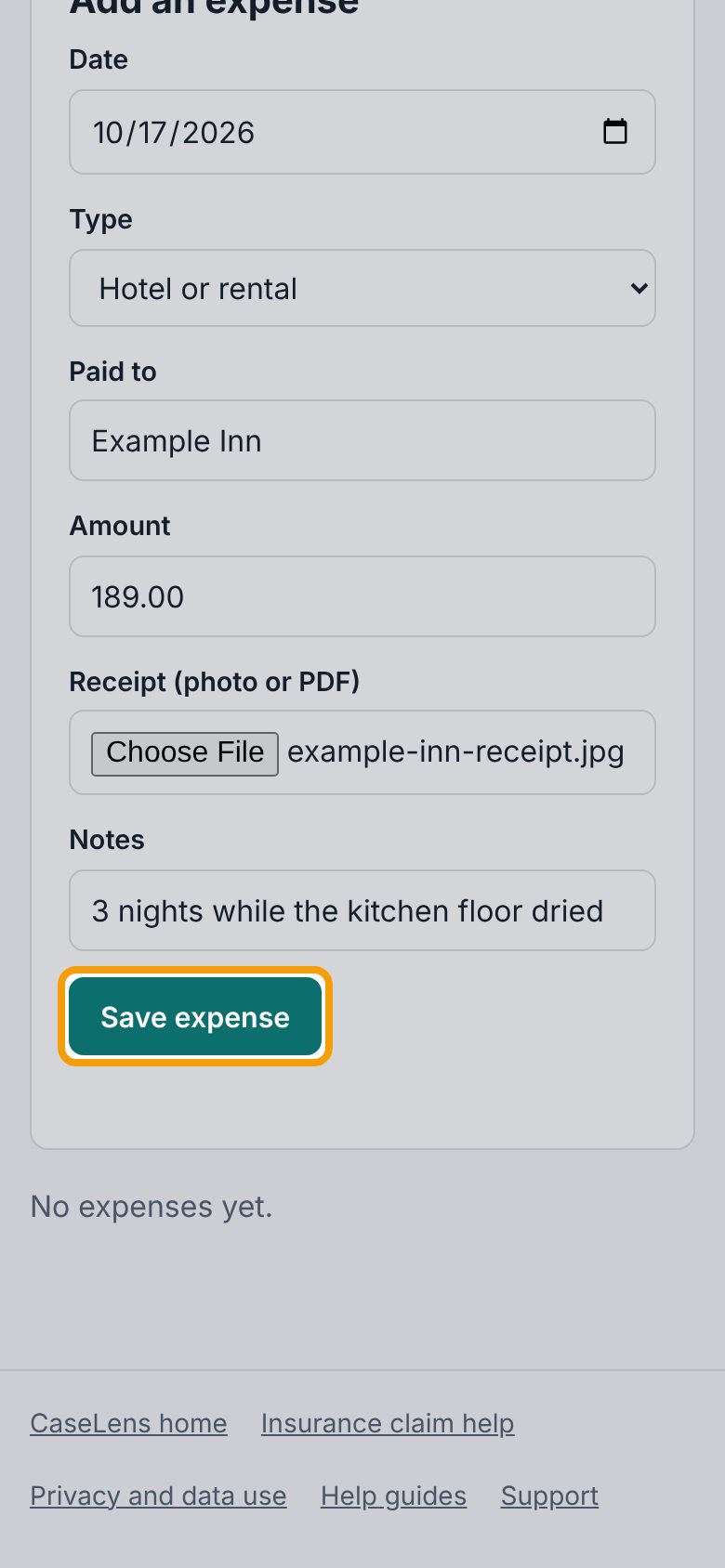
Tap Save expense. The receipt is uploaded and kept with the claim (it's also listed under Photos & files).
5Your living expenses
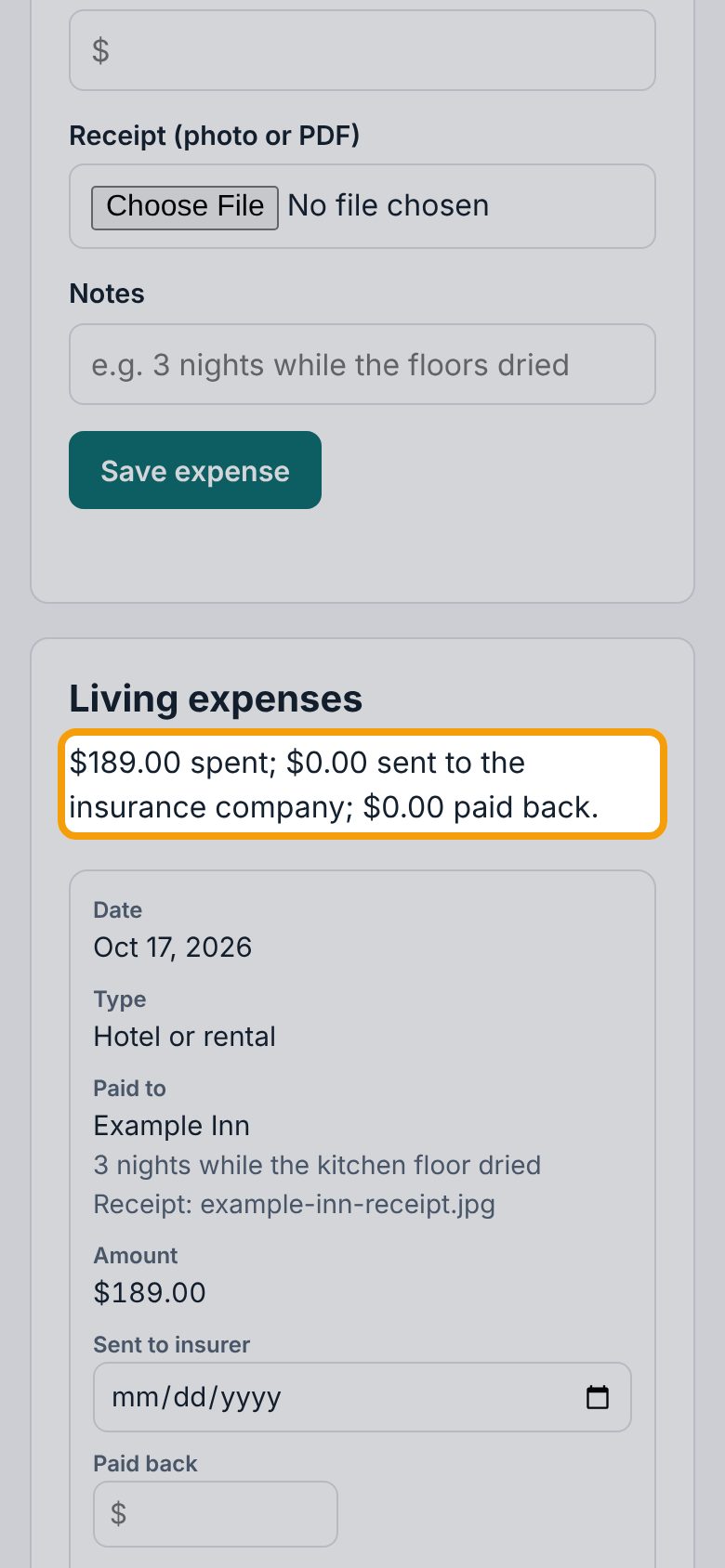
The expense appears under Living expenses, with a running total of what you spent, sent and got back. On a phone, each expense shows as its own card with every detail labeled.
6Note when you sent it in
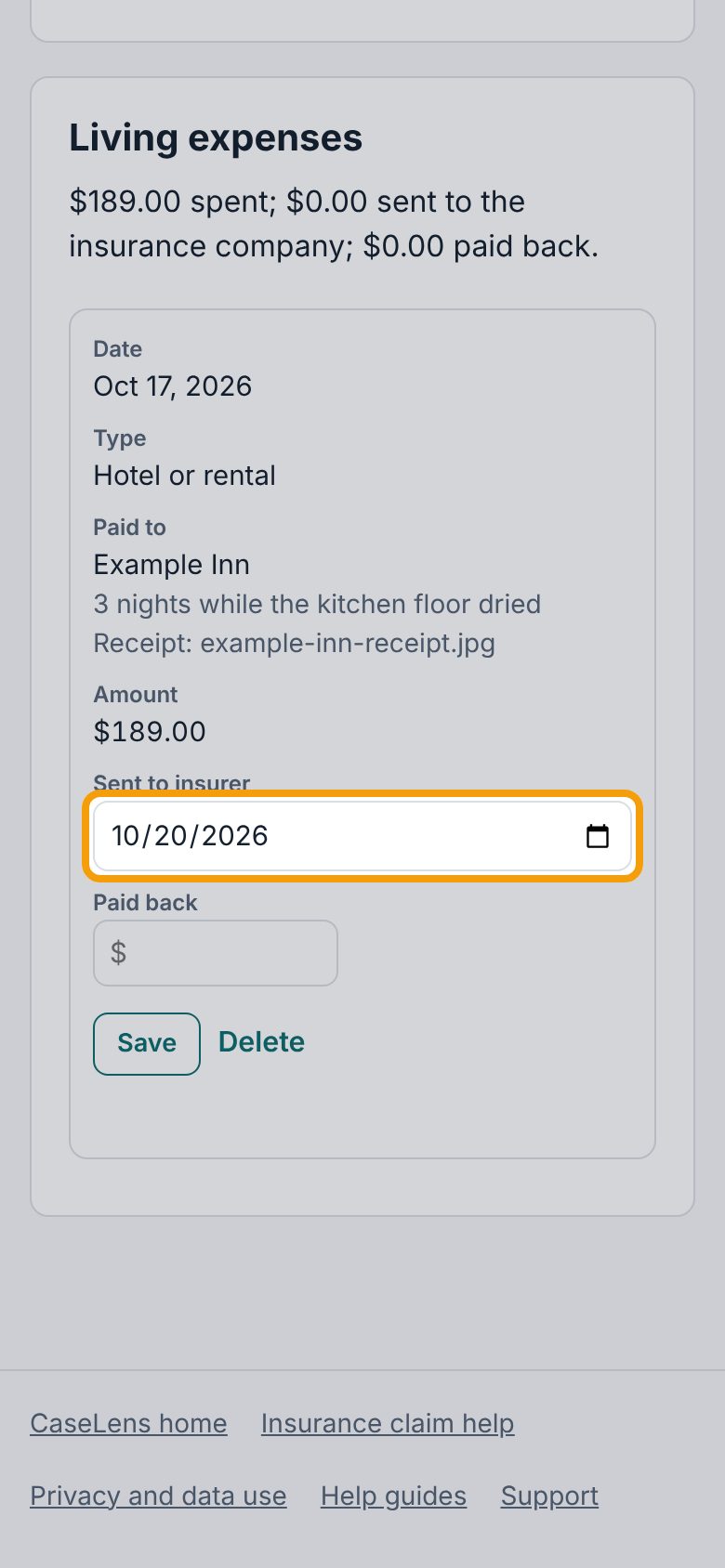
When you send the receipt to your adjuster, pick that date under Sent to insurer on the expense's card, then tap Save on the same card. The line under Living expenses then counts it as sent.
7Note what was paid back
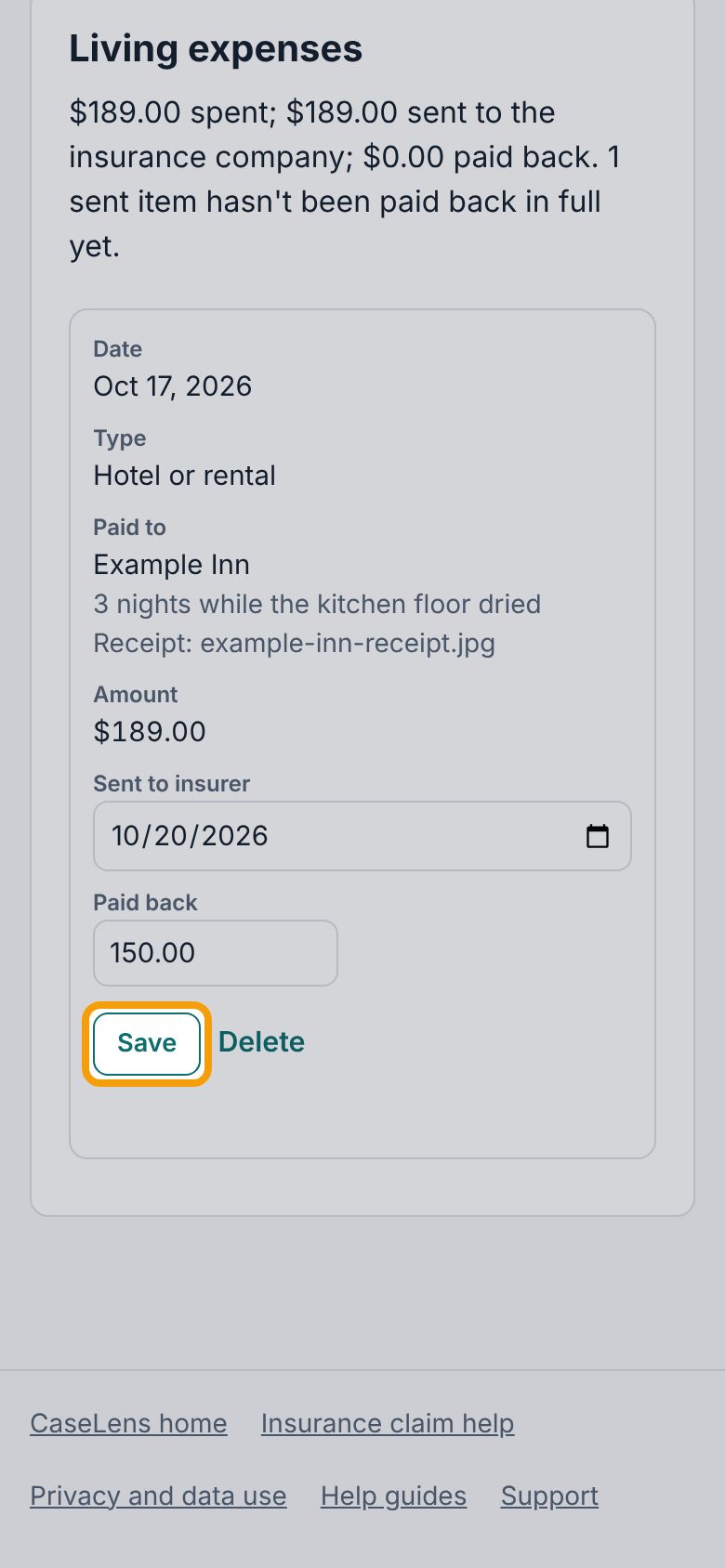
When the insurance company pays you back, type the amount under Paid back, then tap Save on that card again. You can come back and fill in Paid back later; tap Save after any change.
8Check the totals
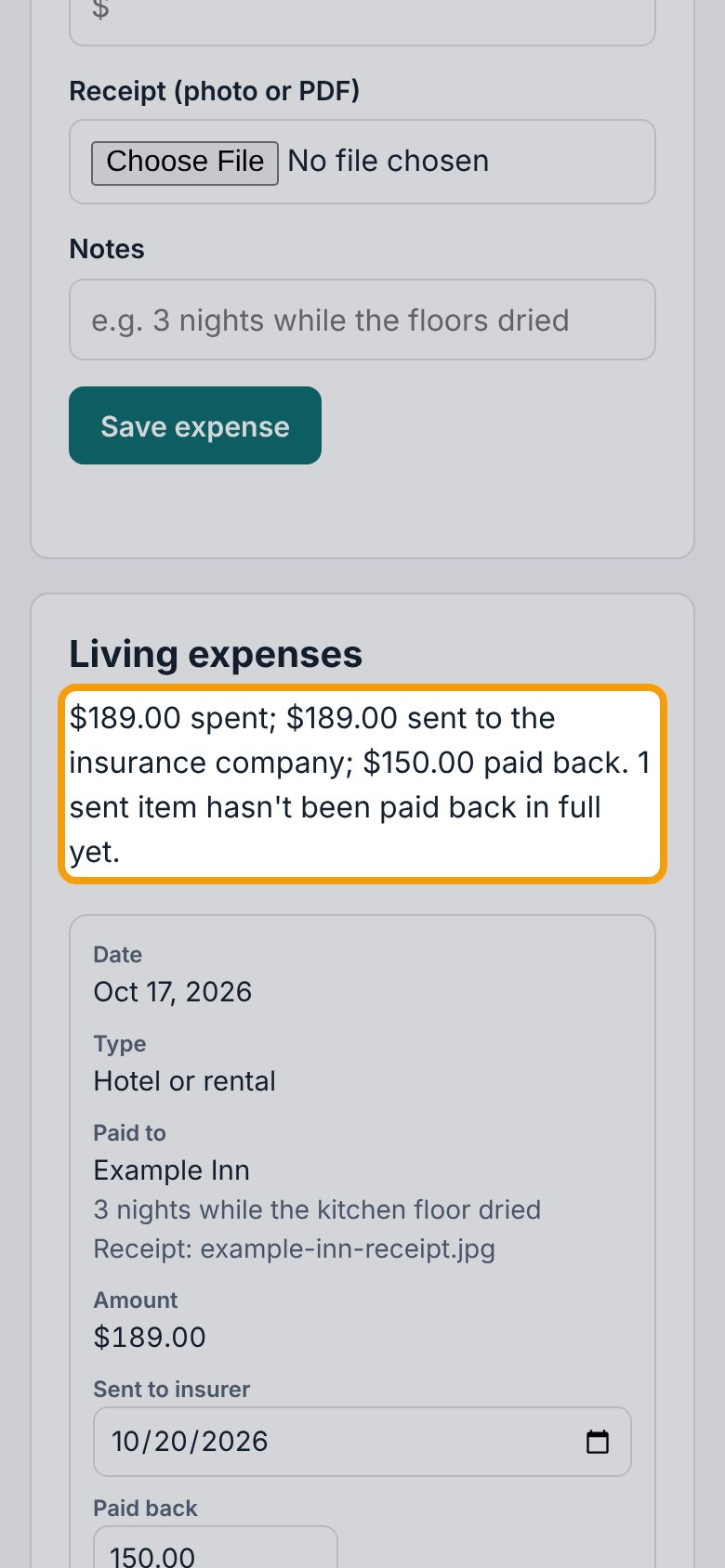
The line under Living expenses updates: what you spent, what you sent to the insurance company, what was paid back, and how many sent items haven't been paid back in full yet. Your printed claim record includes this list.
If something goes wrong
- "Enter the amount as a dollar figure."
- Type just the amount, like 189.00 or 1,250.50. Leave out words.
- "That receipt is over 25 MB."
- Take a new photo of the receipt, or save it as a smaller PDF.
- I saved the wrong amount
- Tap Delete on the expense's card (tap it again to confirm), then add it again.