Add photos and documents
Upload damage photos and the insurance company's letters, and see what the camera details and fingerprints mean. About 3 minutes.
Watch it (1:25, no sound)
- The photos on your phone, ideally taken before anything was thrown out or repaired.
- Letters, emails (saved as PDF), estimates or your policy, if you have them. Files up to 25 MB each.
Step by step
1Open Photos & files
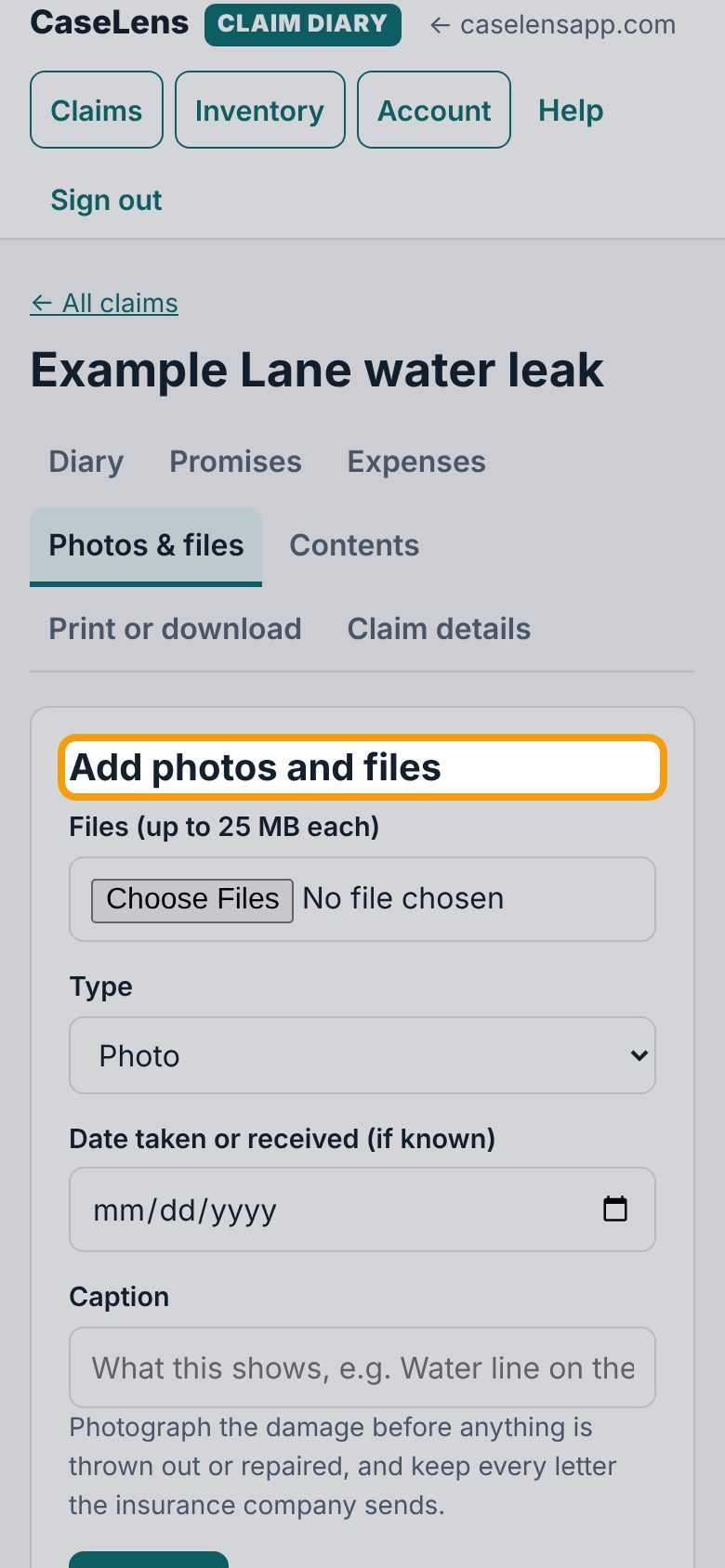
Open your claim and tap the Photos & files tab. You'll see Add photos and files.
2Choose your photos
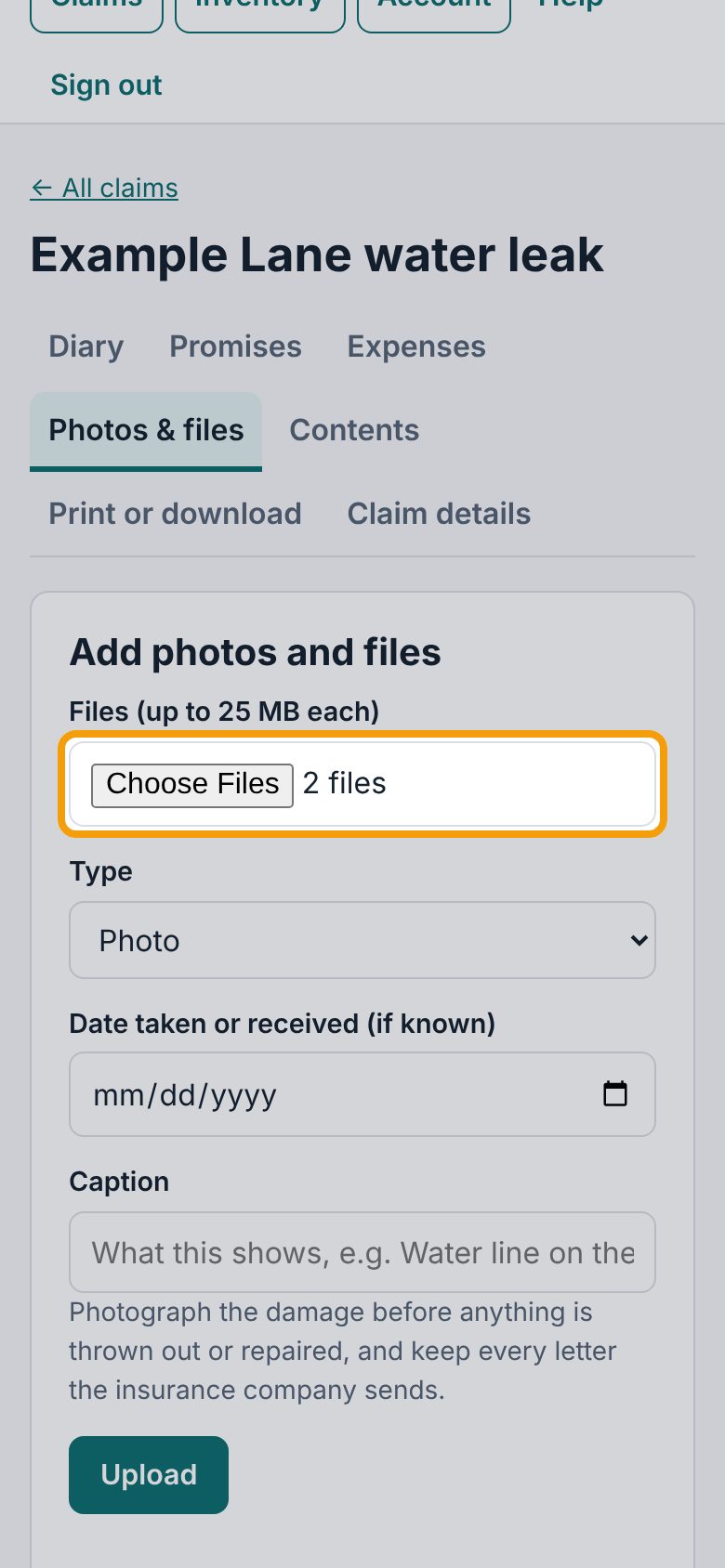
Under Files (up to 25 MB each), tap Choose Files. On a phone you can pick several photos from your library at once, or take one now. Pick photos straight from your phone's photo library: photos sent through text or social apps often lose their camera details.
3Say what they show
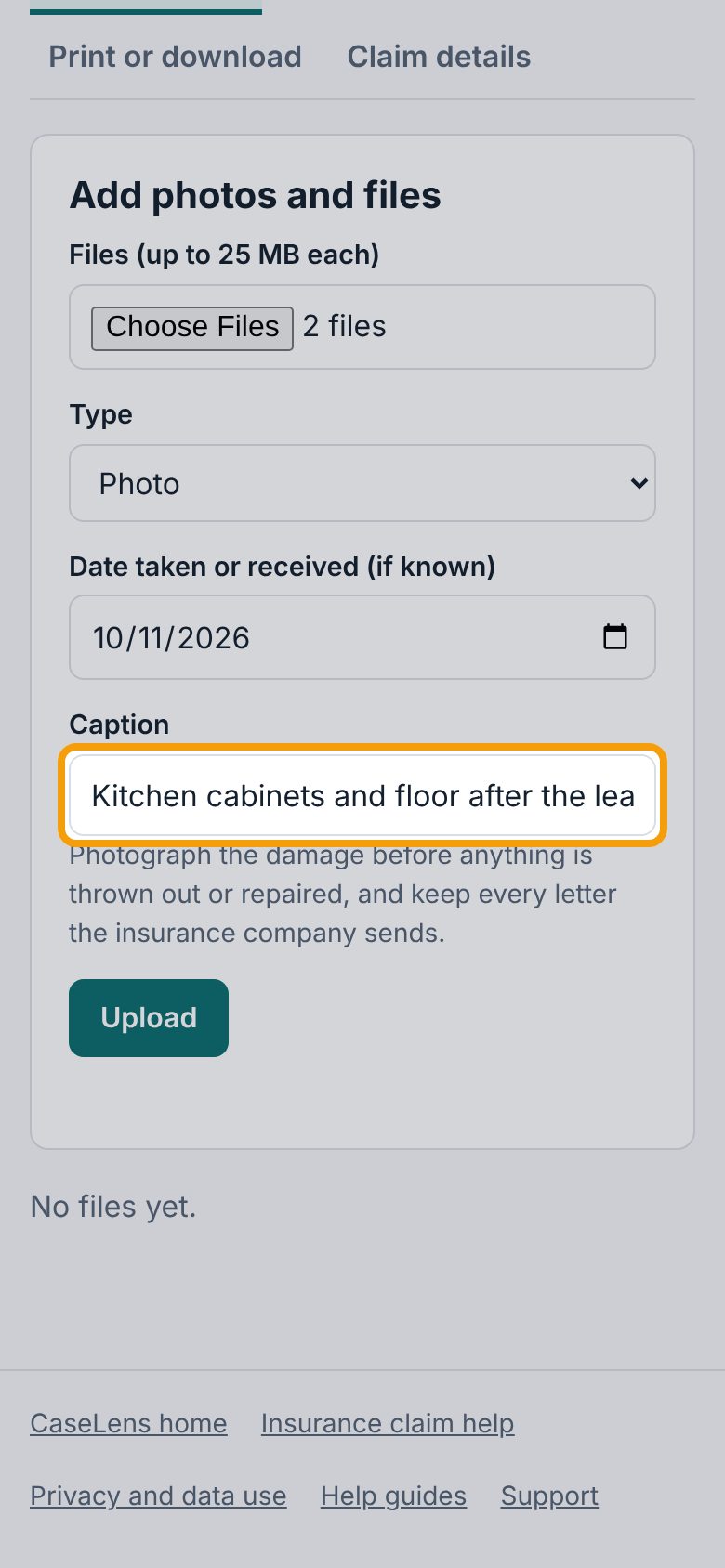
Set Type to Photo. Add the Date taken or received (if known) and a Caption that fits every photo you picked, like "Kitchen cabinets and floor after the leak". The type, date and caption go on every file in this upload, so upload photos of different things separately.
4Upload
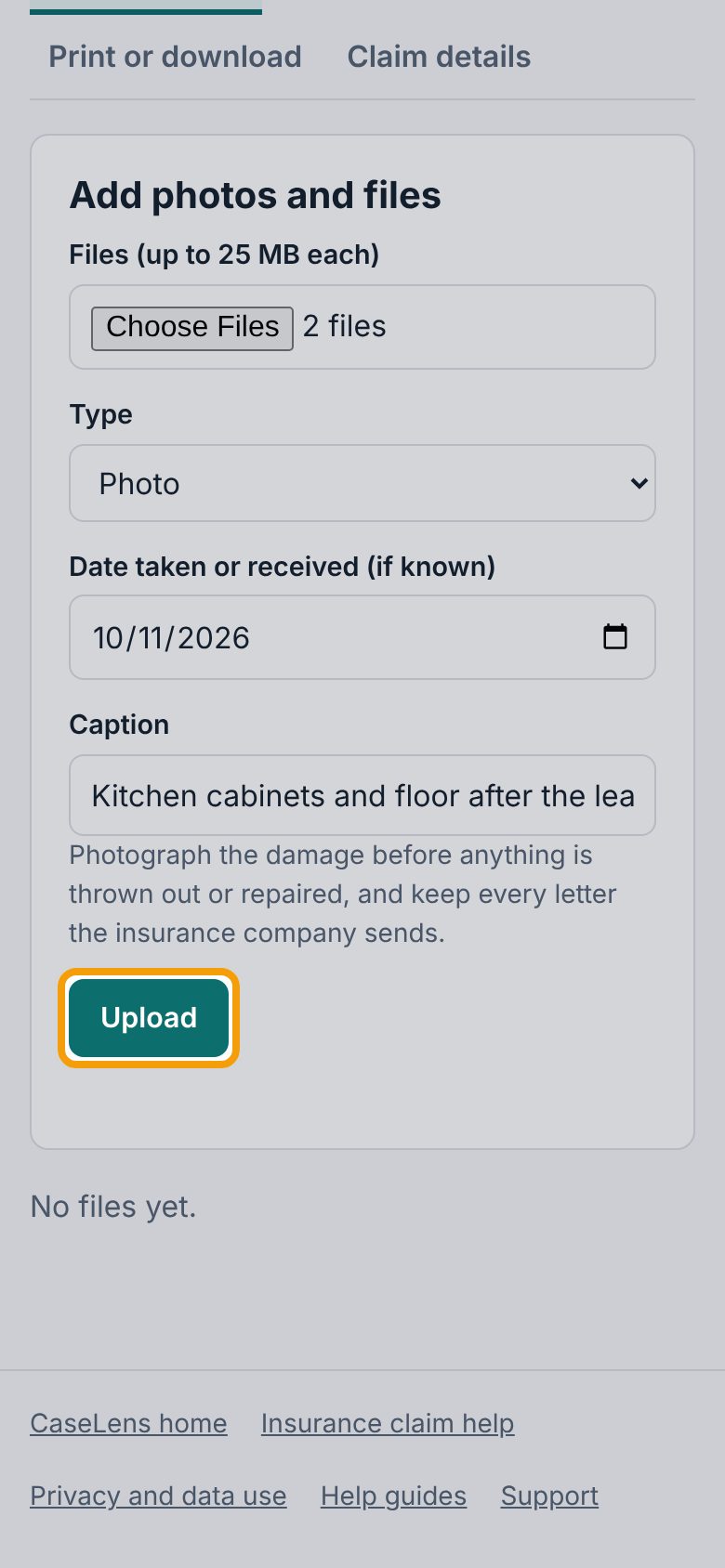
Tap Upload. Several files go up one at a time; the page counts them (Uploading 1 of 2…).
5Camera details
Each file is listed with its caption. A photo also shows its camera details, read from the photo file itself: when it was taken, where (if your phone recorded the location), and the camera, like Taken Oct 11, 2026, 9:44 AM · Example Phone 12. No camera details in the file means the photo didn't carry them; it's still kept.
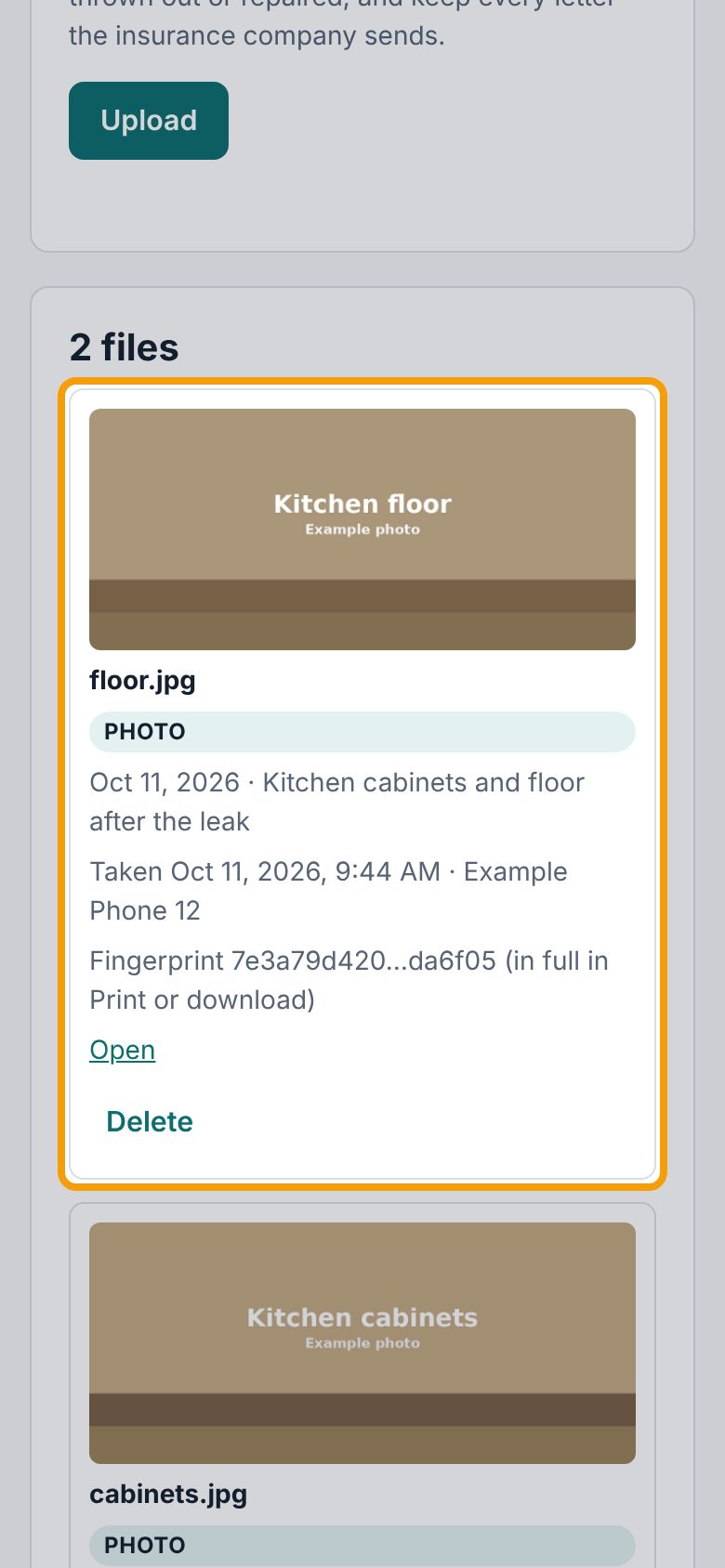
6Add a letter or document
For a letter, email or estimate, choose the file the same way, set Type to Letter or email, Estimate, Policy document or Other, put the date you received it, and tap Upload.
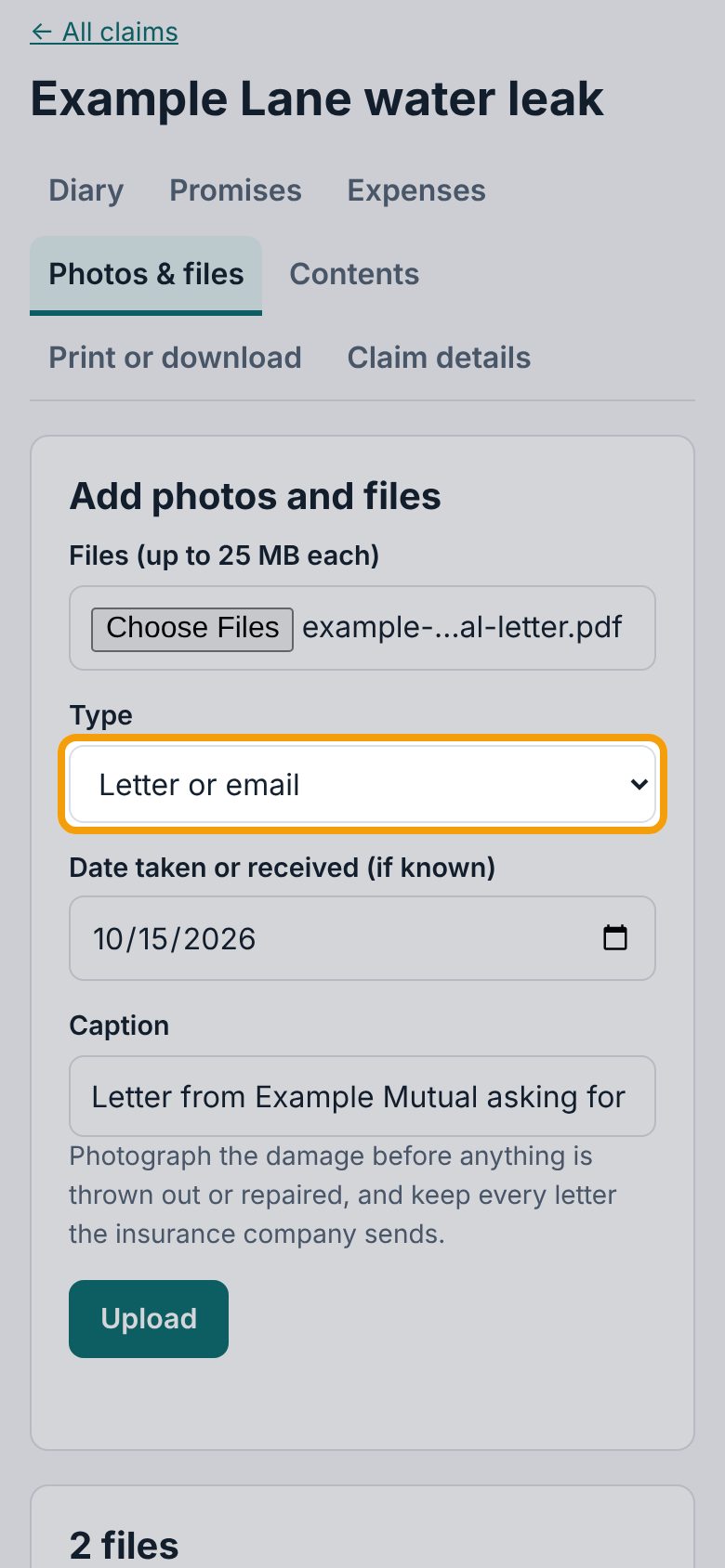
7Fingerprints
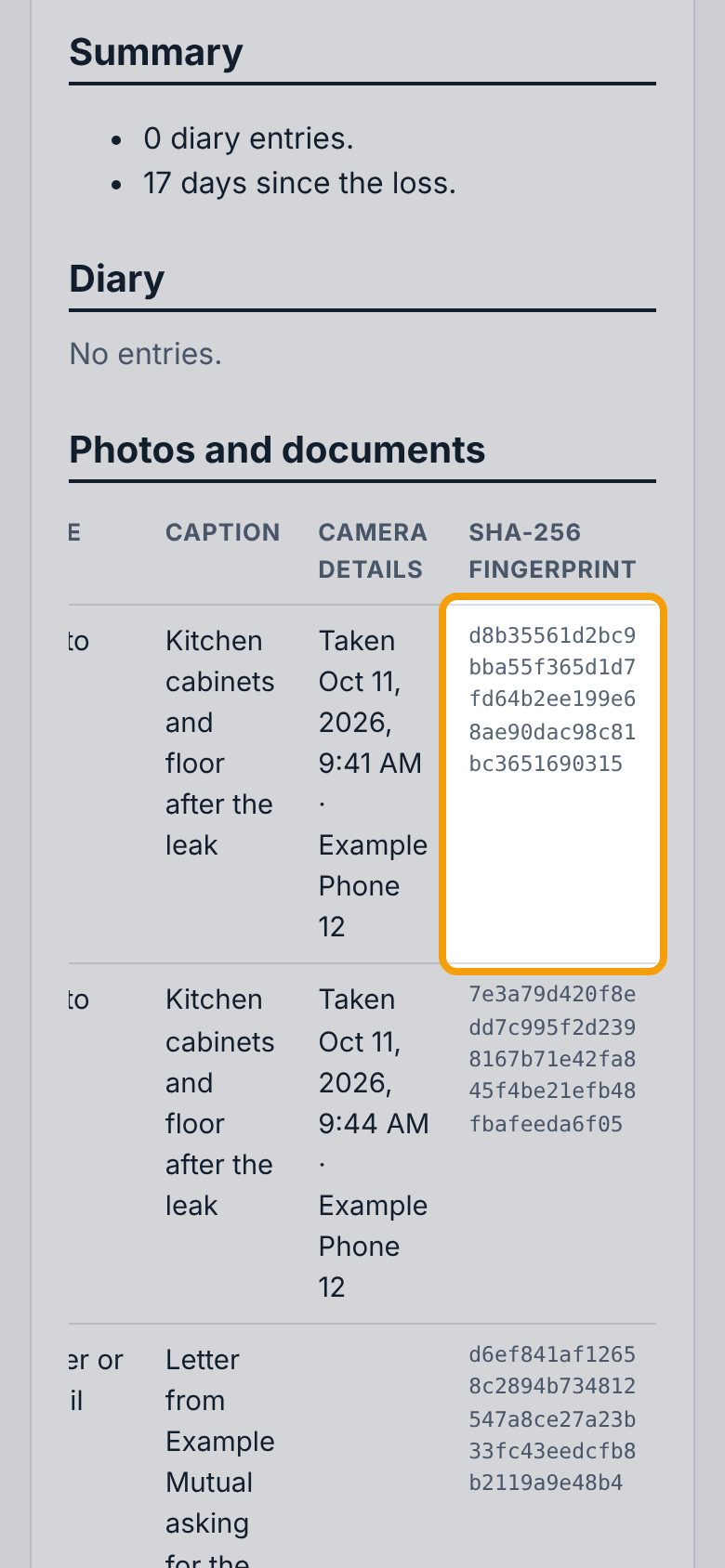
Every file gets a fingerprint (SHA-256) as it's uploaded: a code your phone or computer works out from the file, which changes if even one dot of the file changes, and which can't be changed once it's recorded. Each file in Photos & files shows a shortened Fingerprint; the full one is on the Print or download tab, in the Photos and documents table's SHA-256 fingerprint column (on a phone, swipe that table sideways). Anyone can check a copy of the file against it to show it hasn't been altered since you uploaded it.
If something goes wrong
- "… is over 25 MB."
- That file is too big. For a video, trim it; for a scanned document, scan it at a lower quality or split it.
- "Choose at least one file."
- Tap Choose Files and pick the files before tapping Upload.
- My photo says "No camera details in the file"
- The photo came without them, often because it was sent by text or through an app. Upload the original from the phone that took it if you still have it.
- I uploaded the wrong file
- Tap Delete under the file, then tap it again to confirm.