Plan next steps and keep your claim in writing (homeowner)
Use the homeowner support center to build an action plan, and the insurance claim log to record every call and approval and get approvals confirmed in writing. About 10 minutes.
Watch it (1:24, no sound)
- Your property open in the homeowner portal (see Tell your inspector about your home).
- If you have an insurance claim: the claim number, the adjuster's name, and notes from your calls.
Step by step
1Find the support center
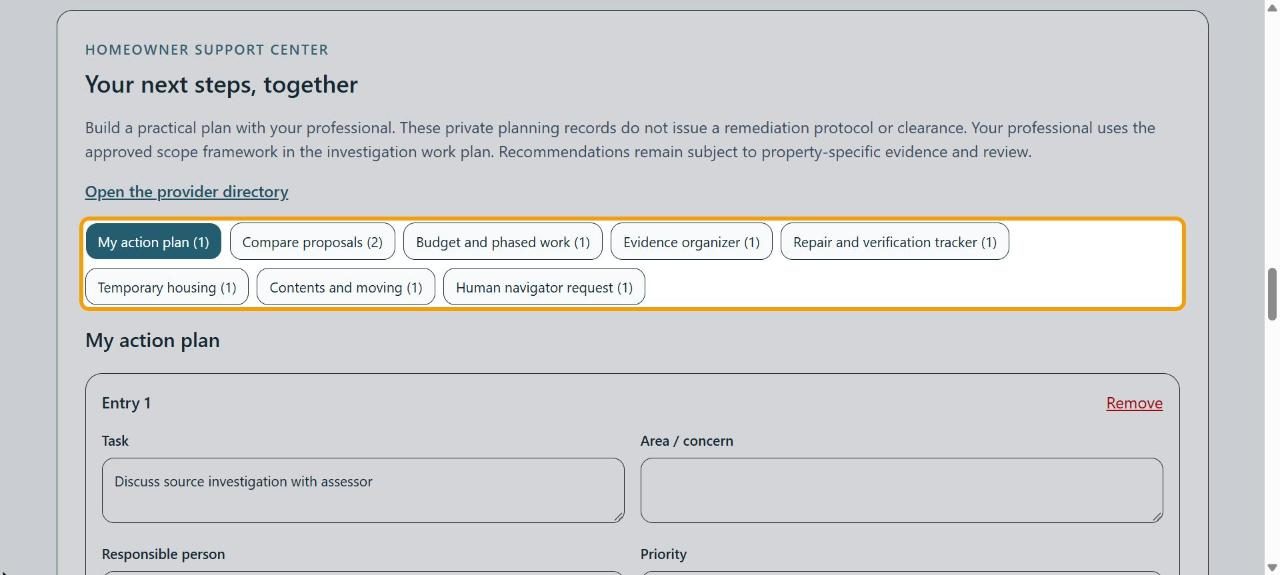
Below the intake, Your next steps, together has tools for planning: My action plan, Compare proposals, Budget and phased work and more. Click one to open it.
2Add a task to your plan
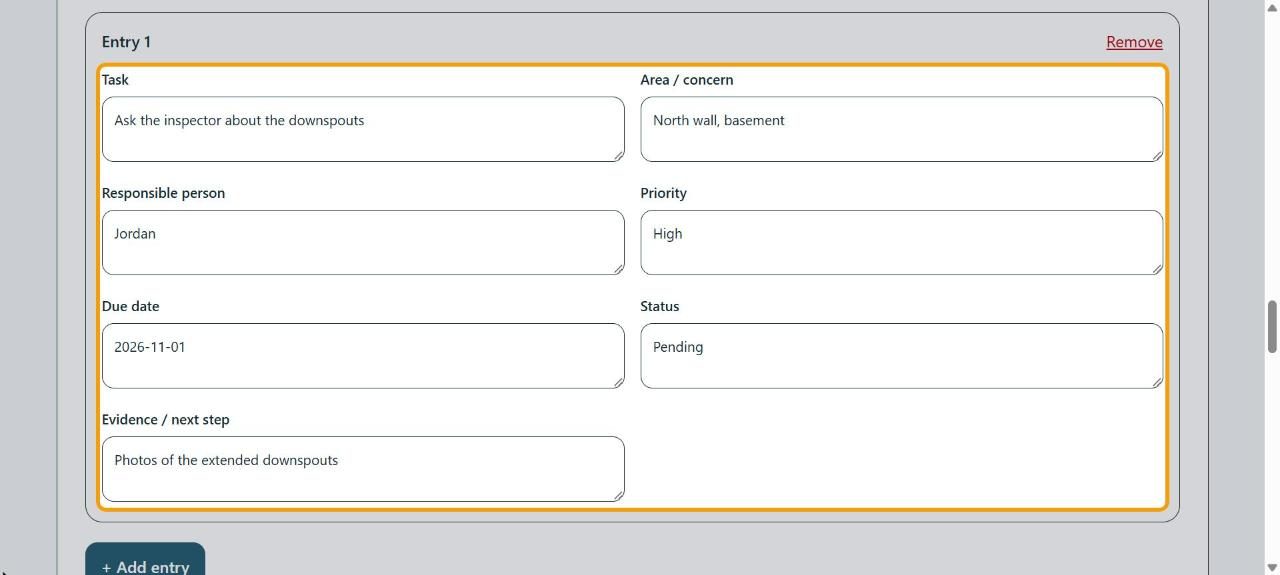
In My action plan, fill in the Task, the Area / concern, who's doing it, the Priority, the Due date, the Status and the Evidence / next step. Click + Add entry for another.
3Save or share the plan
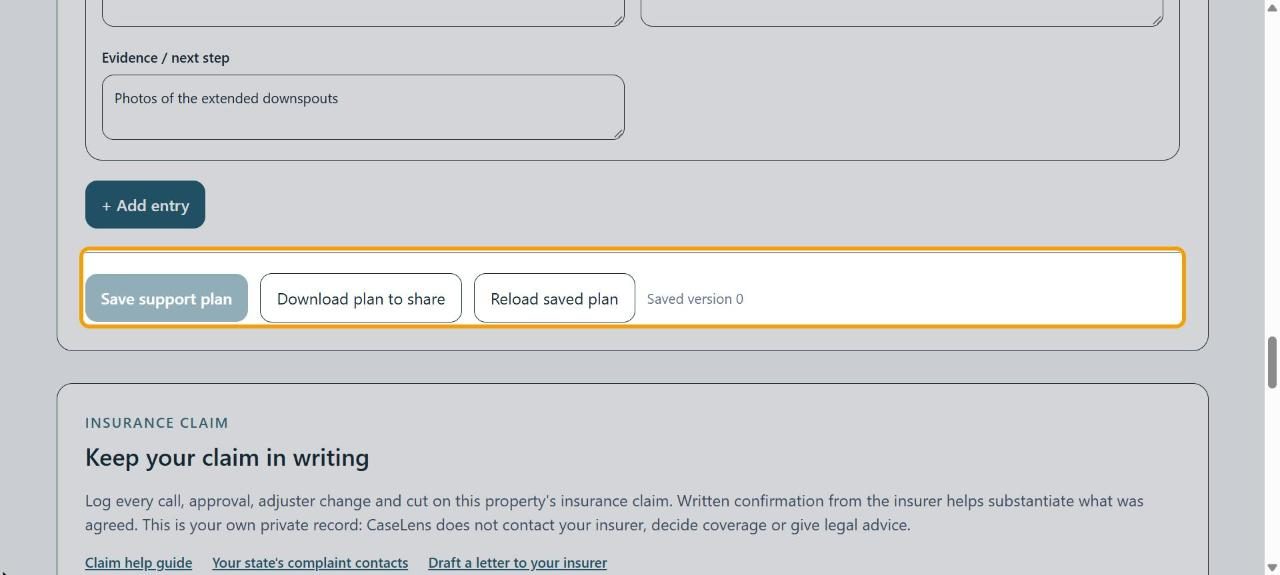
Click Save support plan. Download plan to share gives you a copy to send to your professional.
4See where the claim stands
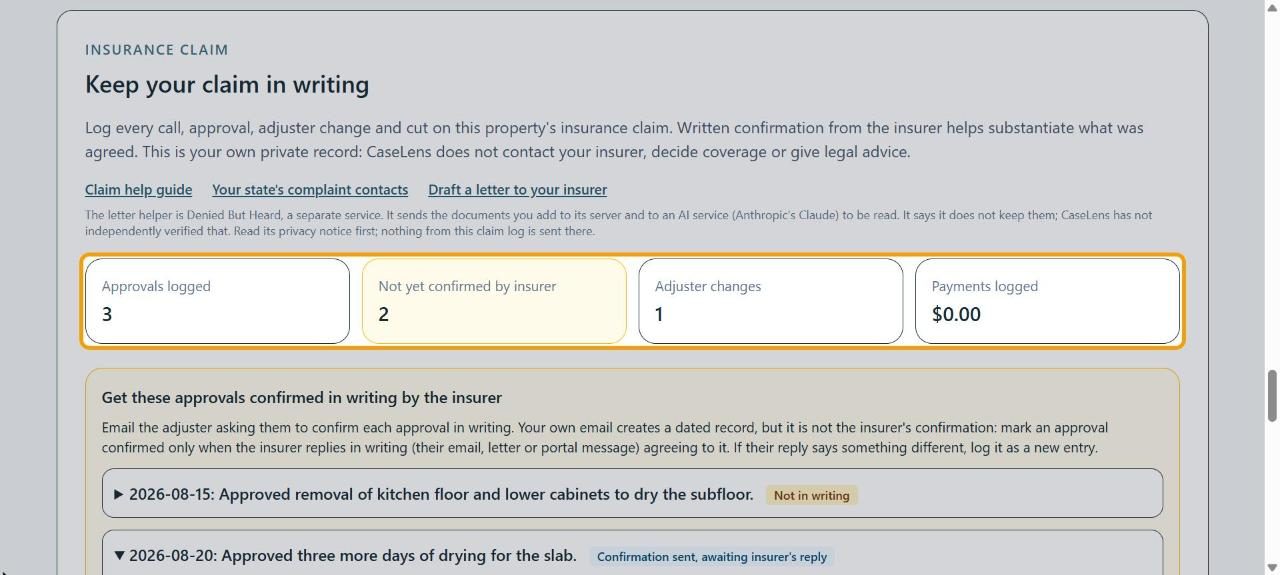
Under Keep your claim in writing, the boxes count Approvals logged, approvals Not yet confirmed by insurer, Adjuster changes and Payments logged. CaseLens doesn't contact your insurer; this is your own record.
5Ask for approvals in writing
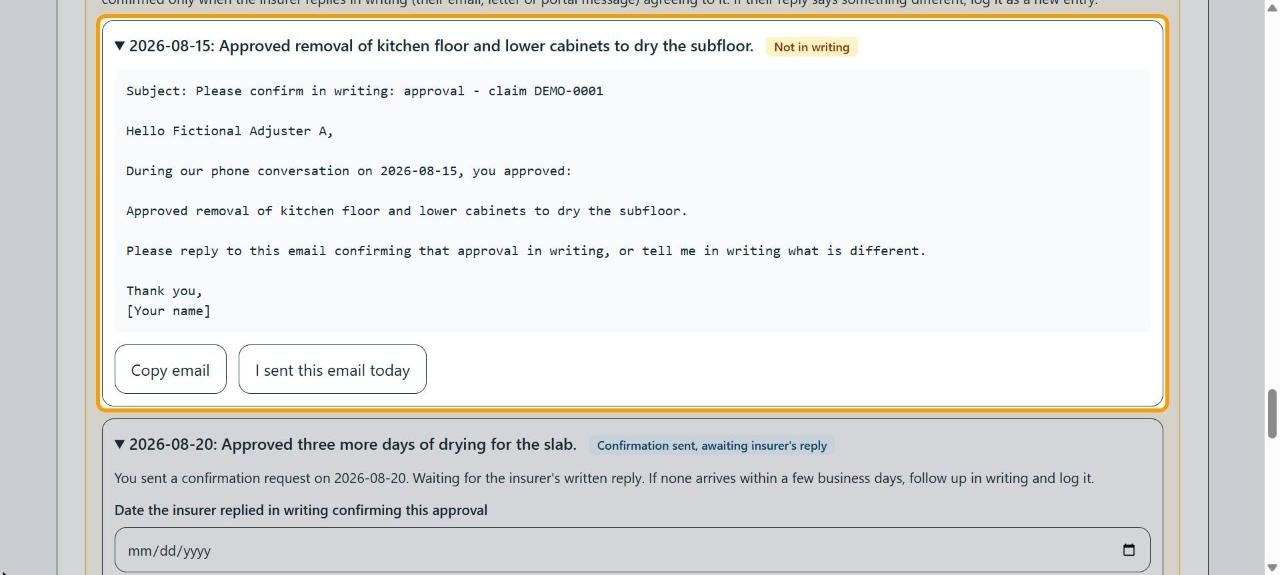
Under Get these approvals confirmed in writing by the insurer, open an approval. Click Copy email, paste it into your own email to the adjuster, replace [Your name], and send it. Then click I sent this email today.
Tip: Mark an approval confirmed only when the insurer replies in writing agreeing to it.
6Log a call
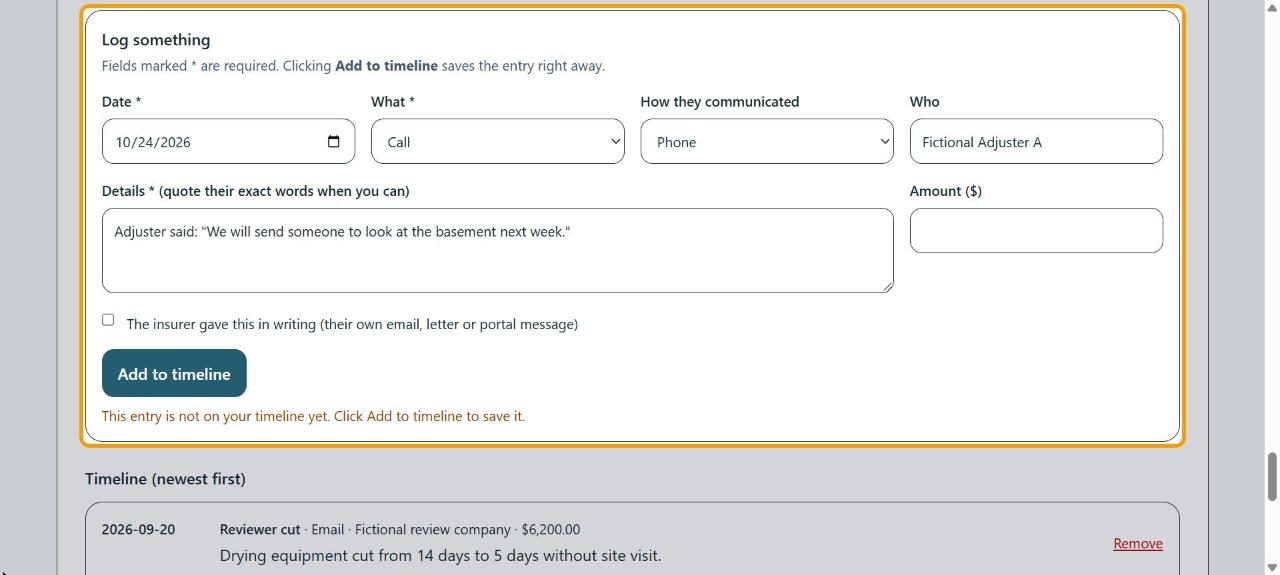
In Log something, set the Date, choose What (like Call), How they communicated and Who, and write the Details, quoting their exact words when you can. Tick The insurer gave this in writing only if they did. Click Add to timeline.
7Check the timeline
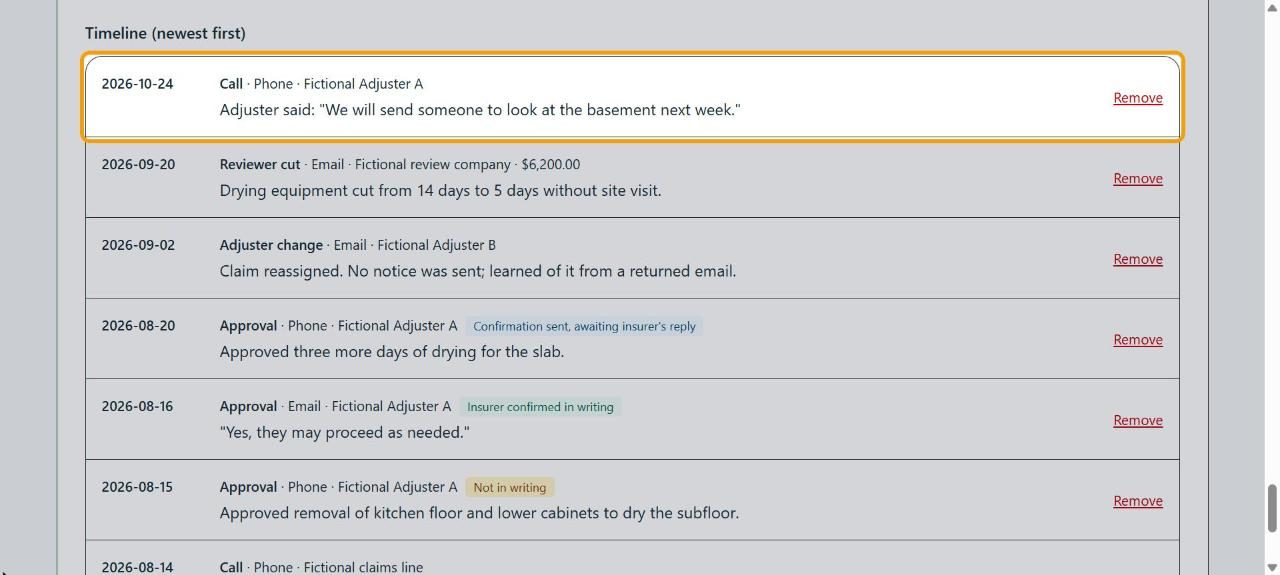
Your entry is at the top of Timeline (newest first). Approvals show whether they're Not in writing, awaiting a reply, or Insurer confirmed in writing.
If something goes wrong
- "This entry is not on your timeline yet. Click Add to timeline to save it."
- You've typed an entry but not saved it. Click Add to timeline.
- The insurer's reply says something different
- Don't mark the approval confirmed. Log their reply as a new entry with their exact words.
- I need a letter to my insurer
- Draft a letter to your insurer opens Denied But Heard, a separate service with its own privacy notice. Nothing from your claim log is sent there.