Phone app: sign out without losing what's waiting
Sign out of the app safely, see what happens to entries that haven't uploaded, and open CaseLens Pro or Claim Diary for everything else. About 3 minutes.
Watch it (1:12, no sound)
- The CaseLens app, signed in.
- Signal, to sign back in afterwards.
Step by step
1Open the websites
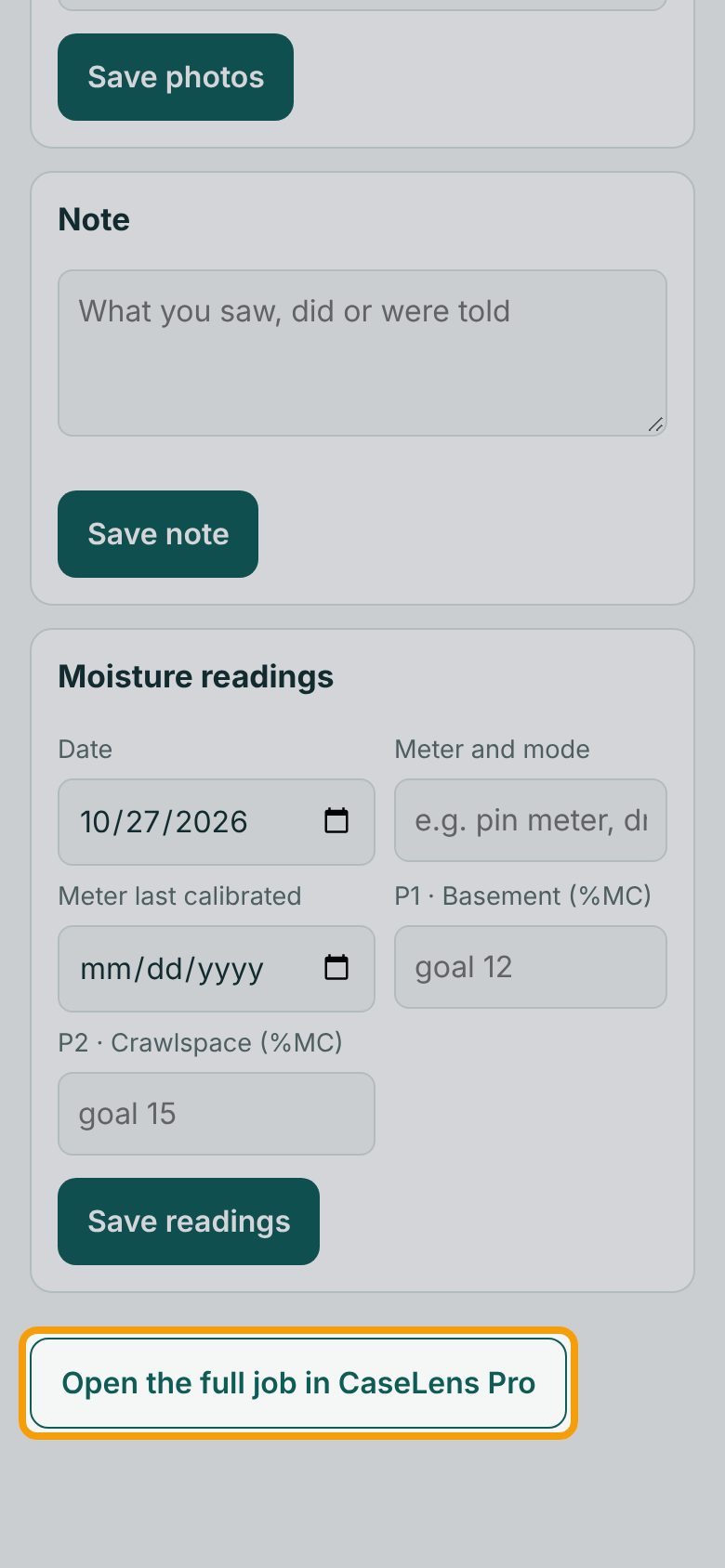
The app is for capture in the field. Reports, maps, letters, the claim record and everything else are on the websites. On a job, tap Open the full job in CaseLens Pro; on a claim, Open the full claim in Claim Diary. It opens in your phone's browser.
2Tap Sign out
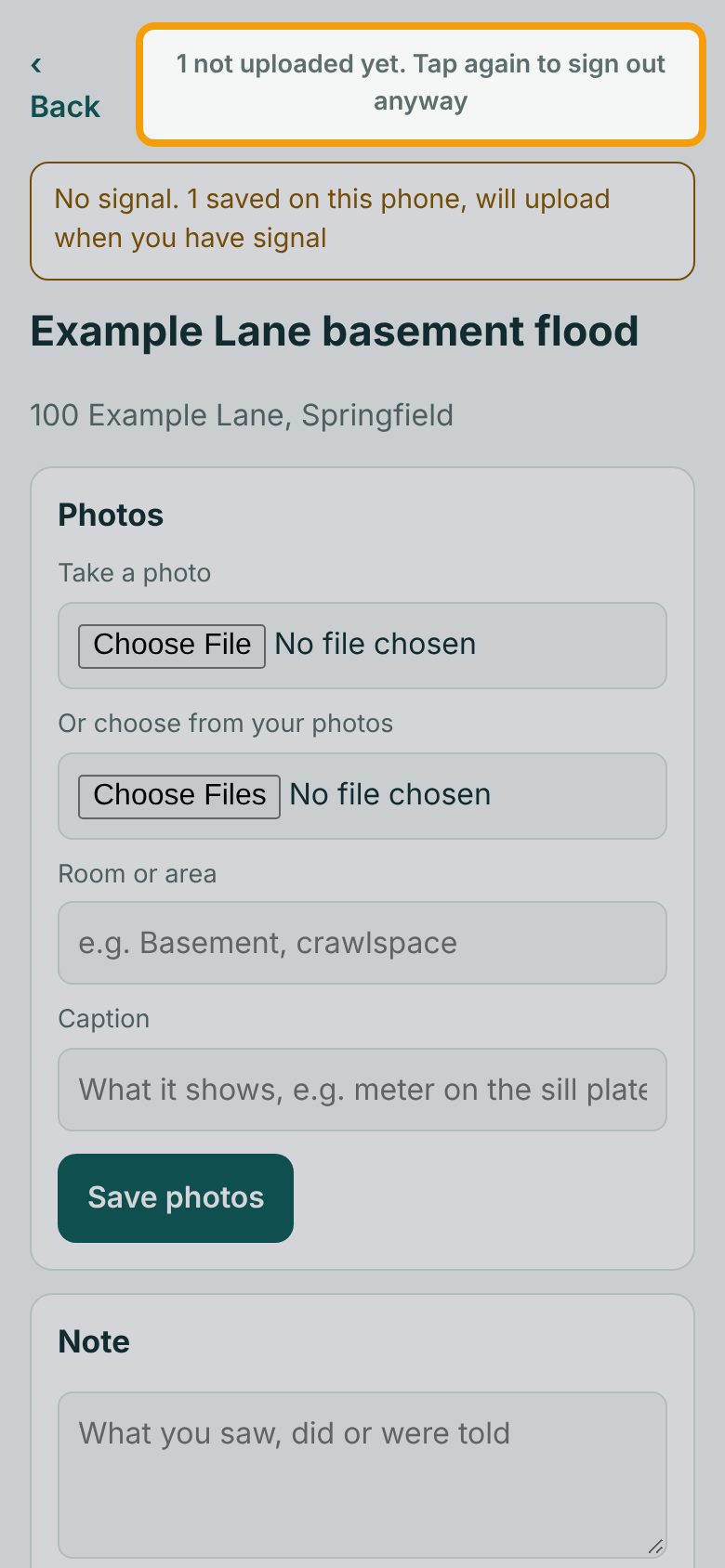
Sign out is at the top right of every screen. One tap only asks: here it says 1 not uploaded yet. Tap again to sign out anyway, because a note is still waiting. It goes back to Sign out if you don't tap again within 5 seconds.
3Signed out
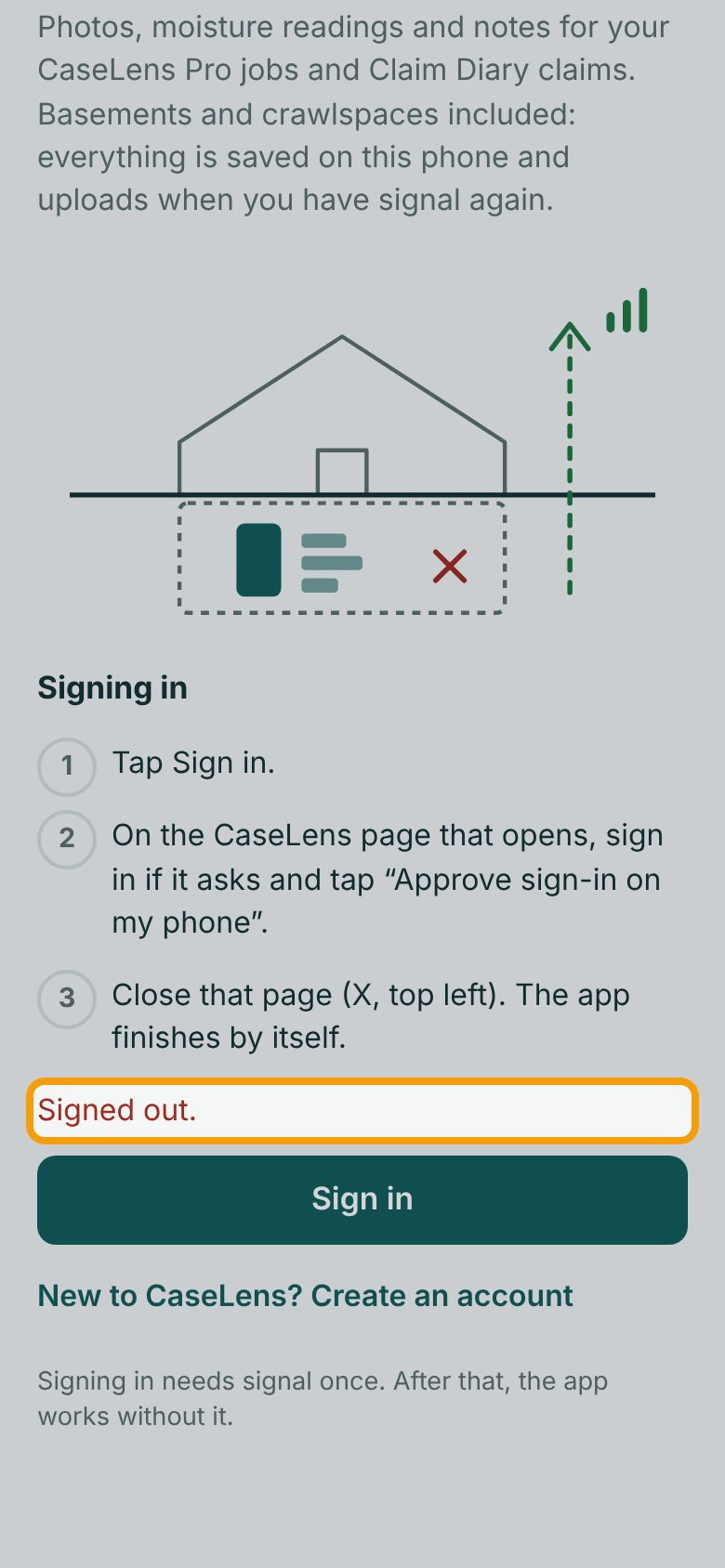
Tap it again to sign out. The app goes back to the first screen and says Signed out. Anything not uploaded stays on the phone. Signing in again needs signal, so don't sign out down in the basement.
4Sign in again
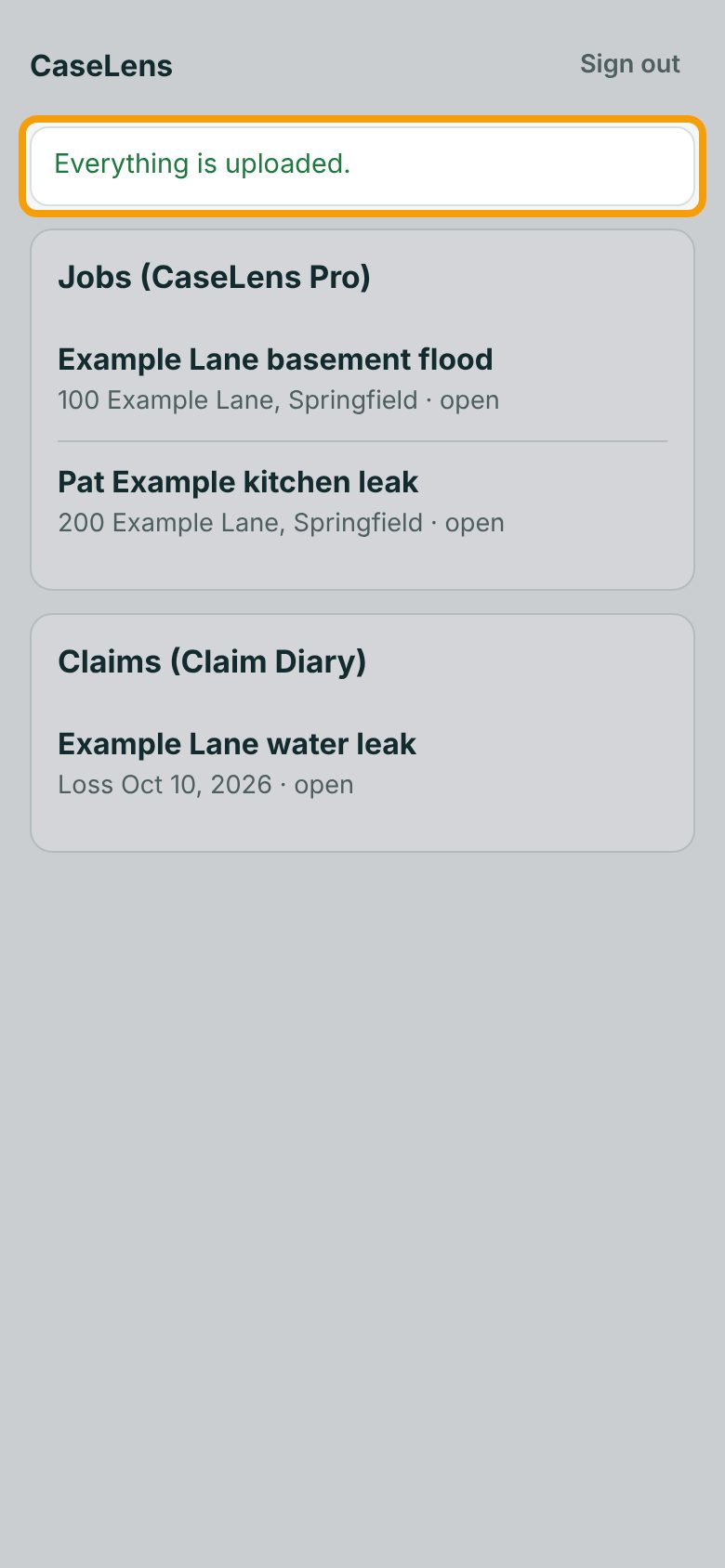
Sign in the same way as the first time (see Sign in to the CaseLens phone app), with the same account. What was waiting from that account uploads by itself, and the line says Everything is uploaded. Entries made under one account only upload to that account.
5Your lists come back
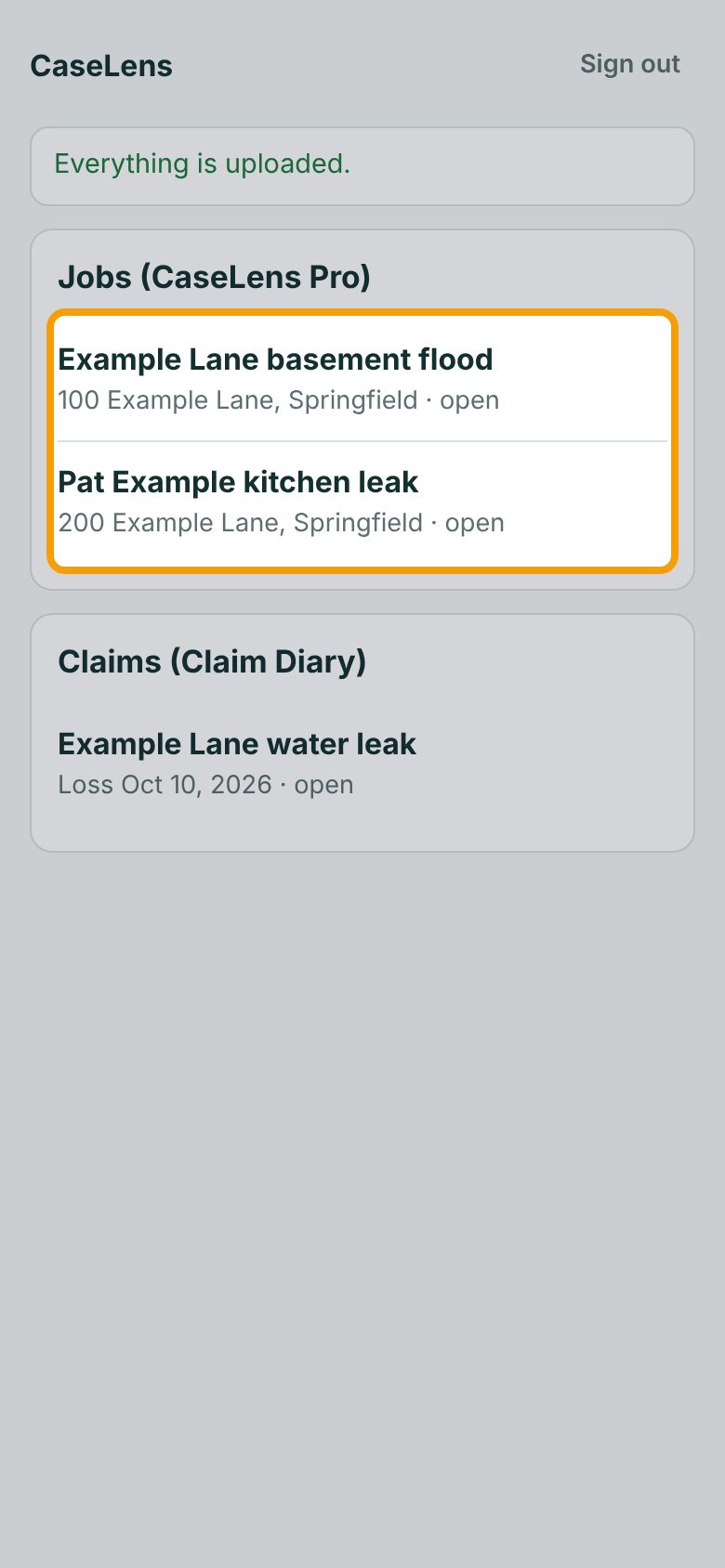
Your Jobs (CaseLens Pro) and Claims (Claim Diary) are loaded fresh. A new job or claim started on the website shows up here the next time the app has signal.
If something goes wrong
- I signed out with things waiting and can't sign back in down here
- Signing in needs signal. Go up to where you have signal, sign in, and they upload.
- "Please sign in again."
- Your sign-in ended (for example, your password was changed). Sign in again; what's waiting stays on the phone.
- A coworker needs to use my phone
- Make sure the line says Everything is uploaded. first, then sign out. Their entries go to their own account.