Keep track of promises
See which promises are open or overdue, and mark each one kept or not kept, so you can show which were broken and when. About 2 minutes.
Watch it (1:15, no sound)
- A claim with at least one diary entry where someone promised to do something (see Log a call with your adjuster and put it in writing).
Step by step
1See what's overdue
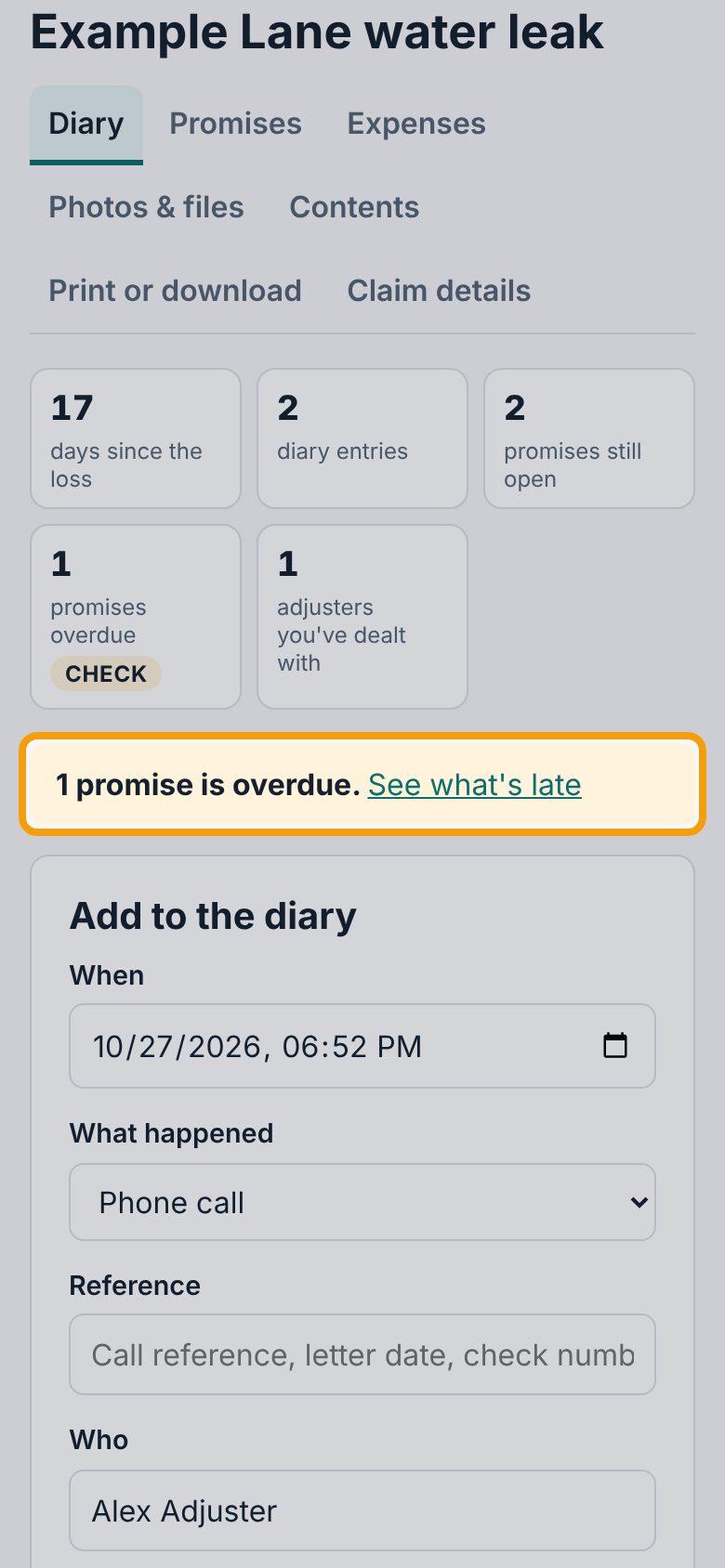
Open your claim. At the top of Diary, the boxes count promises still open and promises overdue. When a promise's date has passed, a bar under those boxes says so, like 1 promise is overdue. Tap See what's late.
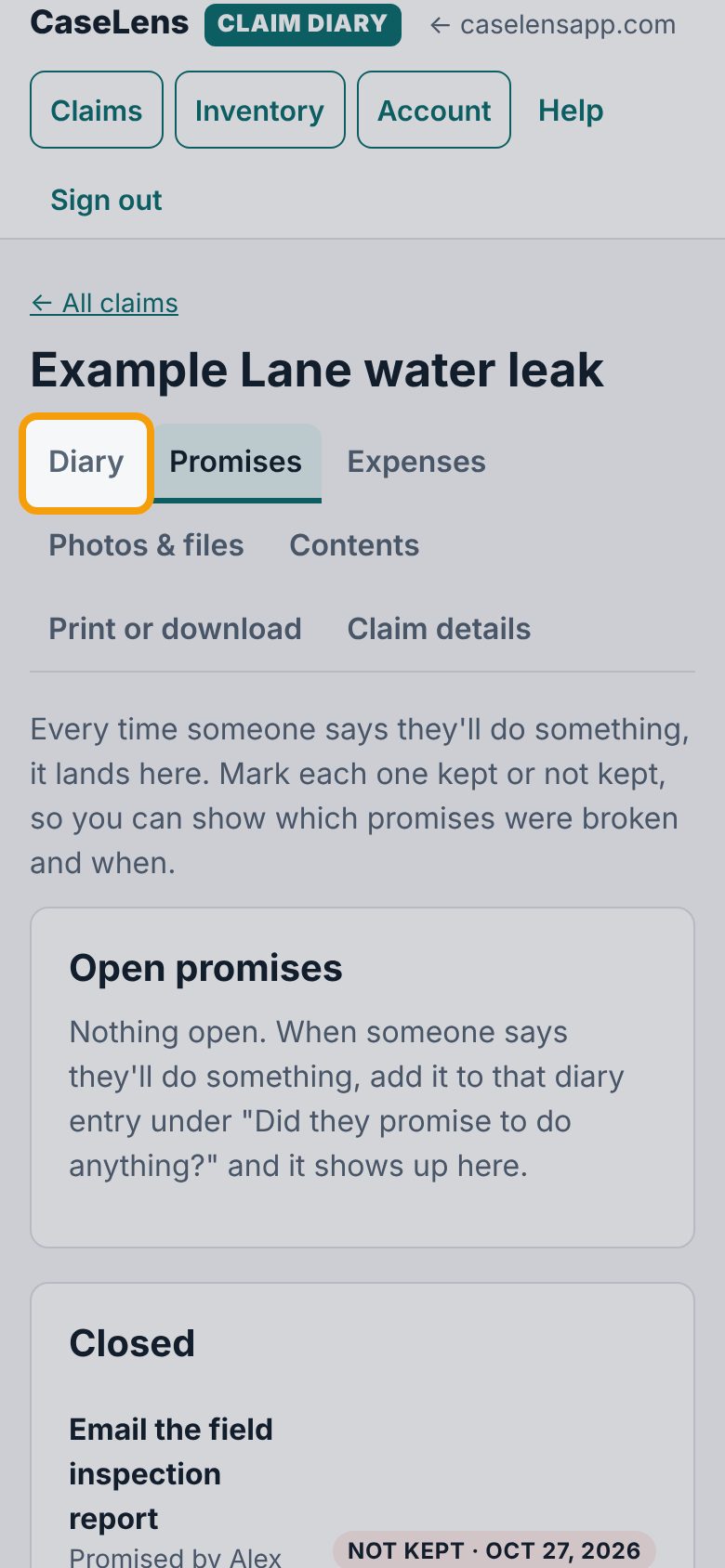
2Open Promises
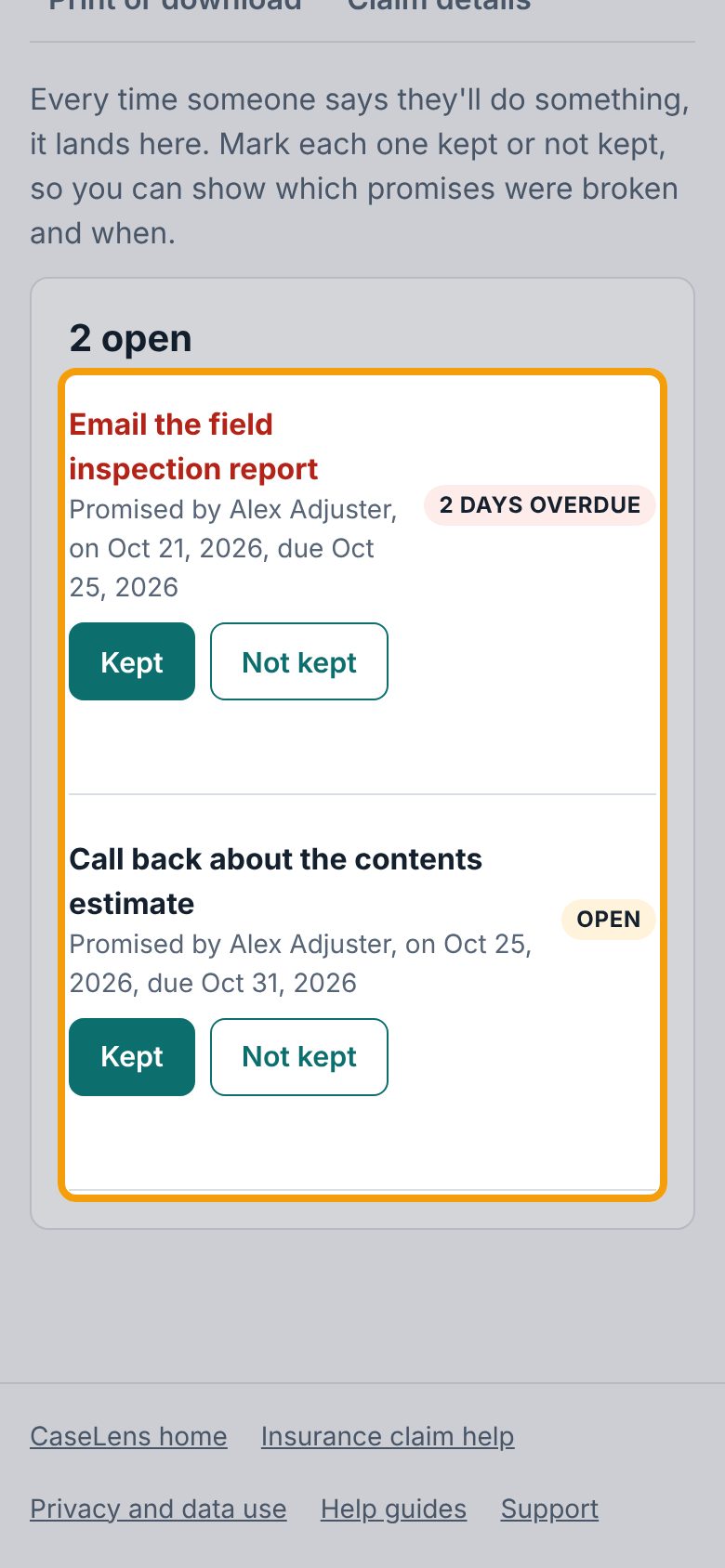
The Promises tab lists every promise from your diary. Open ones are at the top, soonest due first, each with who promised it, when, and when it's due. An overdue one says how late it is, like 2 days overdue.
3Mark a promise kept
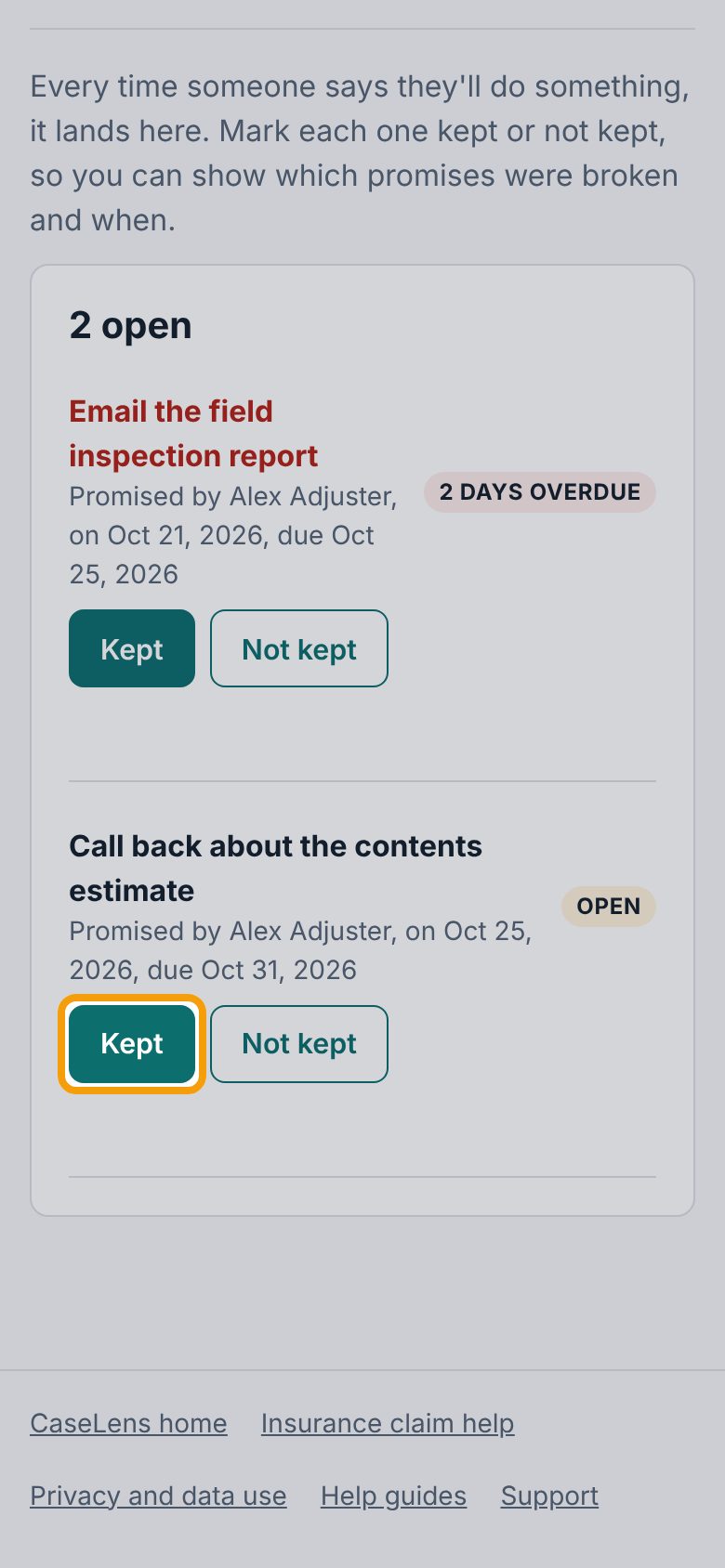
When they do what they promised, tap Kept next to it. It moves down to Closed with today's date.
4Mark a promise not kept
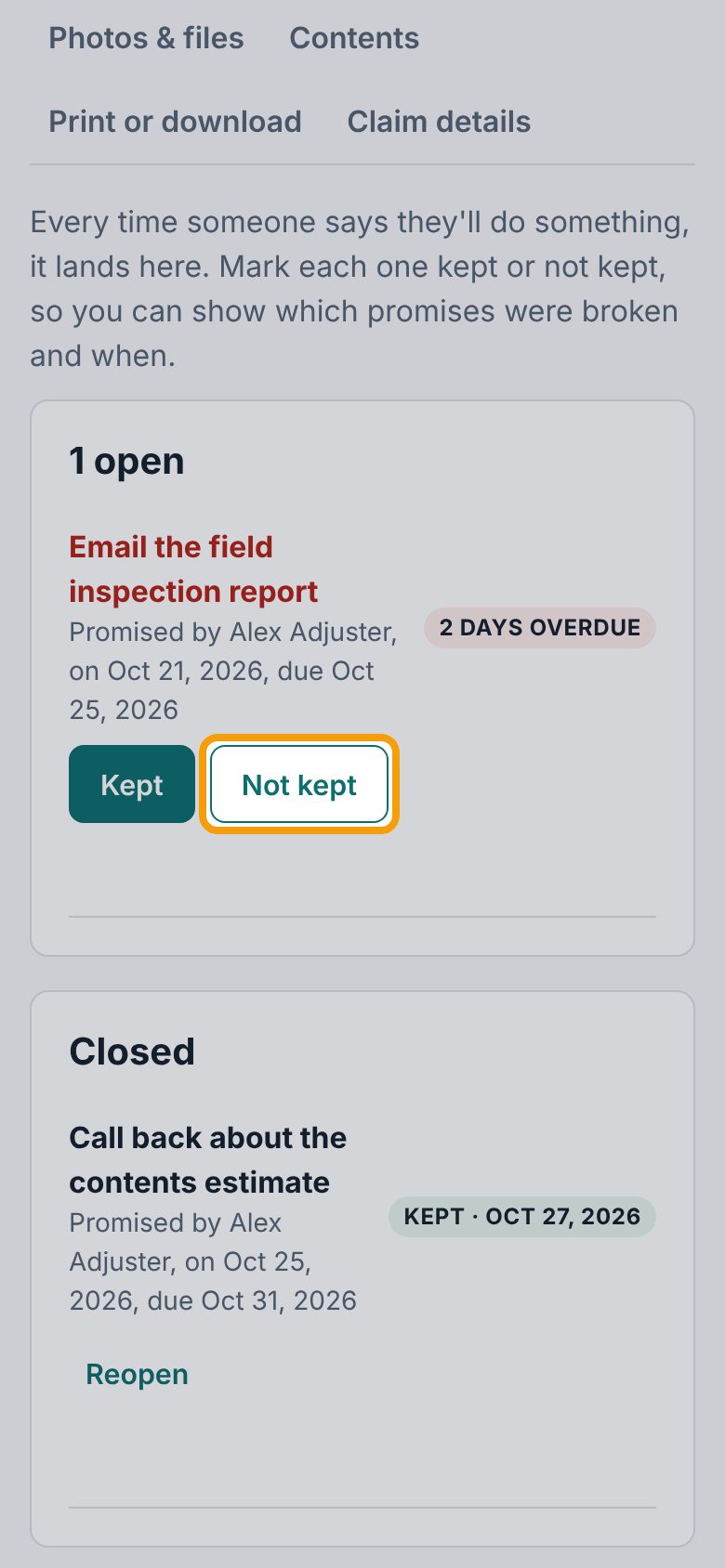
If the date has passed and they still haven't done it, tap Not kept. Your printed claim record counts how many promises were kept, not kept and overdue.
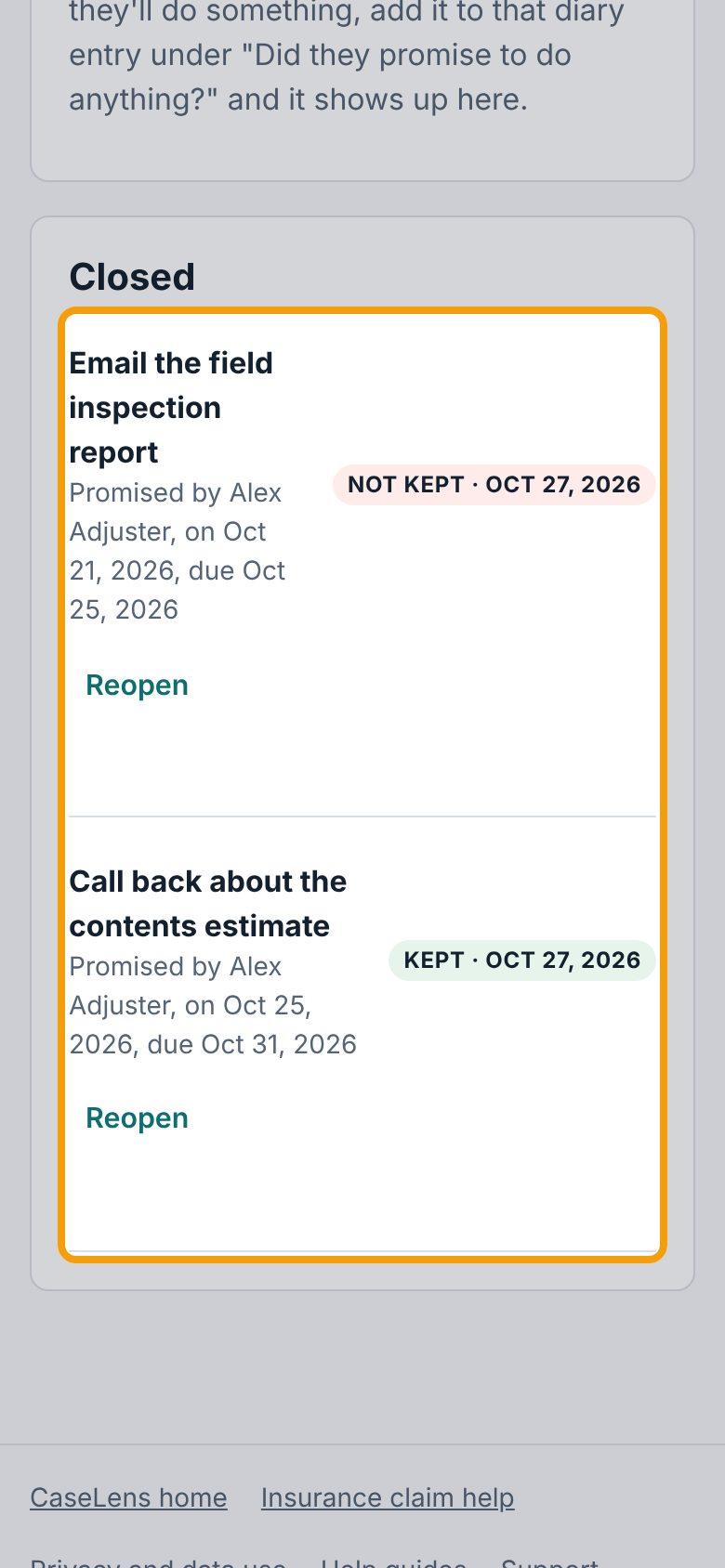
5Closed promises
Under Closed, each promise shows Kept or Not kept and the date you marked it. Marked one by mistake, or they did it after all? Tap Reopen and mark it again.
6Follow up in the diary
If a promise wasn't kept, follow up with a call or email, and log it on the Diary tab with a new promise and date. That way your record shows every time you asked.
If something goes wrong
- A promise I wrote down isn't on Promises
- Only entries with something in What they promised show up here. Add a new diary entry for it, filling in Did they promise to do anything?.
- "No promises recorded yet."
- None of your diary entries has a promise yet. When you add an entry, fill in What they promised and By when.
- It says overdue but the date isn't here yet
- Overdue means the By when date has passed. If you entered the wrong date, delete that diary entry and add it again with the right date.