Find help in the Resource Hub
Use the free Resource Hub to find a guide for your situation, look up repair and housing assistance by state, and find local providers. No account needed. About 5 minutes.
Watch it (1:19, no sound)
- Nothing. The Resource Hub is free and you don't need to sign in.
Step by step
1Open the Resource Hub
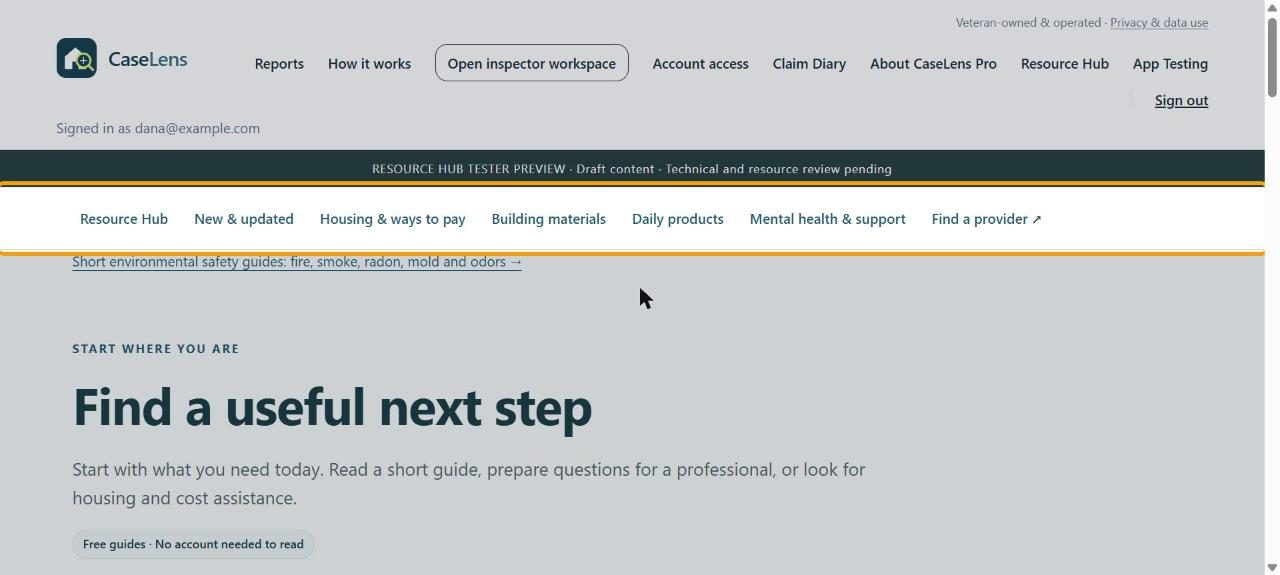
Click Resource Hub at the top of caselensapp.com. The bar under it goes to each part: New & updated, Housing & ways to pay, Building materials, Daily products, Mental health & support and Find a provider.
2Start where you are
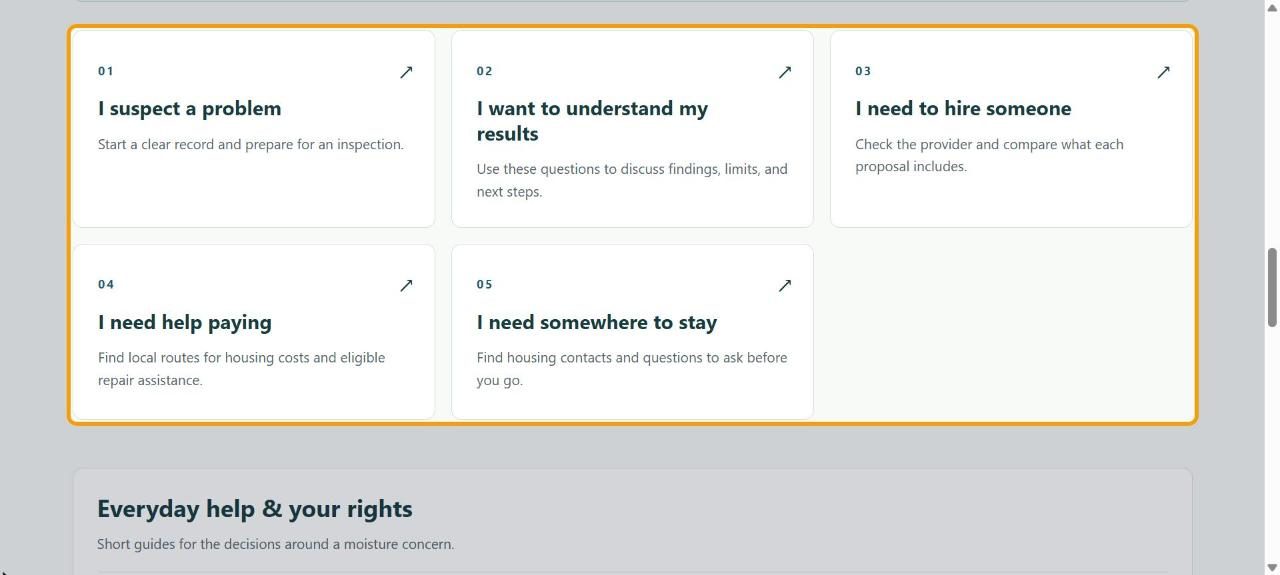
Scroll down and click the card that fits: I suspect a problem, I want to understand my results, I need to hire someone, I need help paying or I need somewhere to stay.
3Use a practical guide
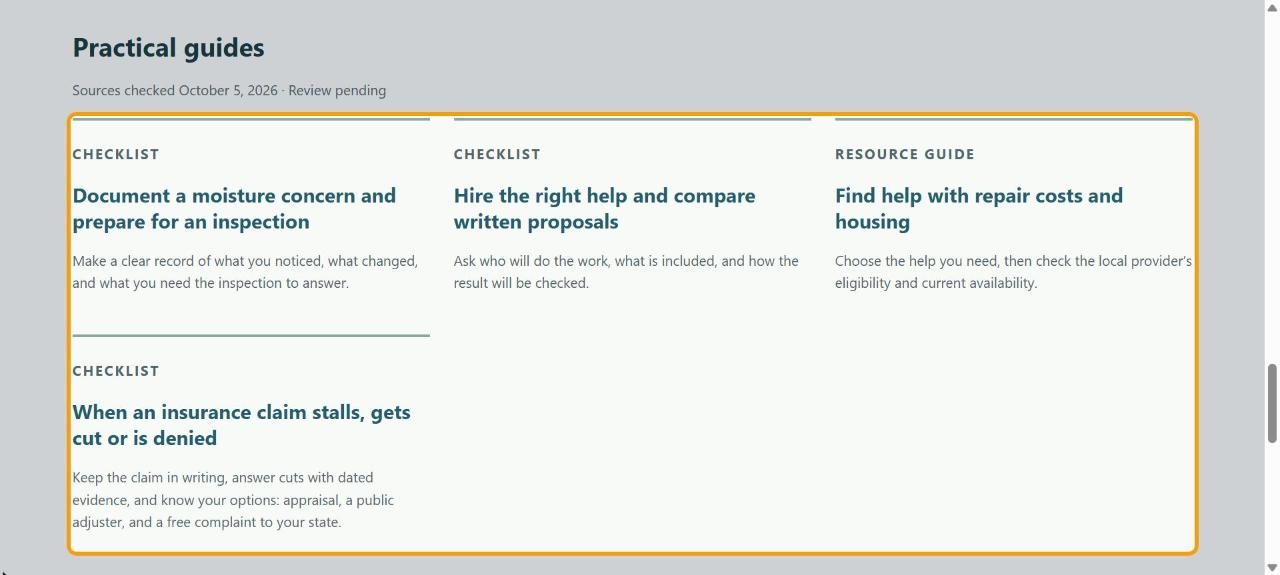
Under Practical guides, the checklists walk you through documenting a concern, comparing written proposals, finding help with costs, and what to do when an insurance claim stalls.
4Look up help paying
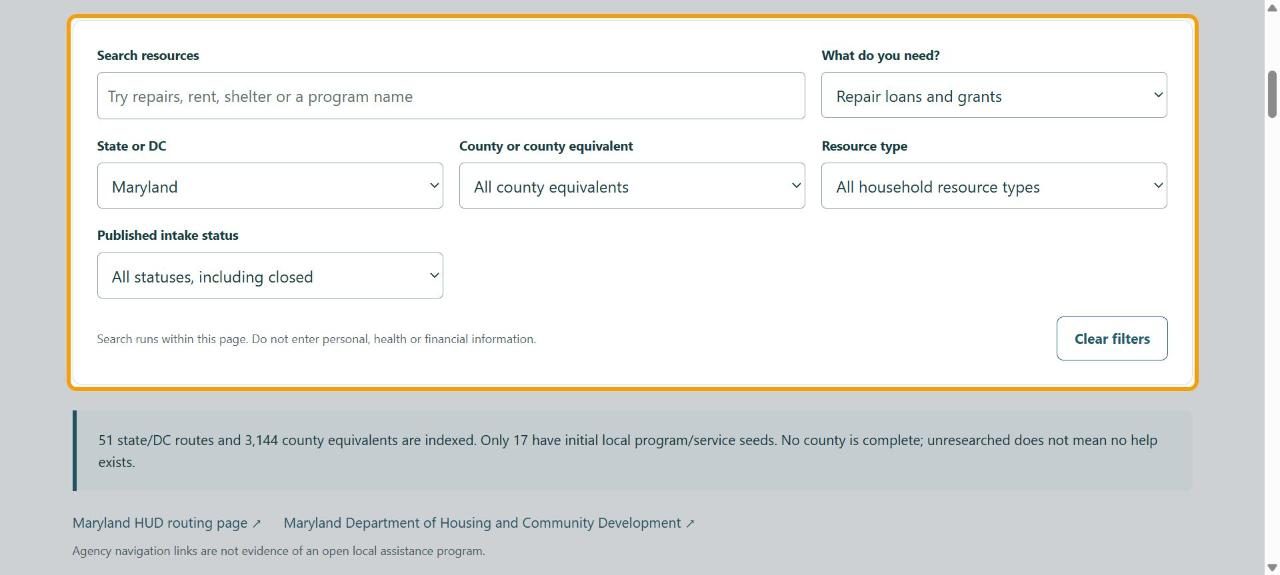
Click Housing & ways to pay. Choose What do you need? and your State or DC (and county if you like). The list updates as you choose. Clear filters starts over.
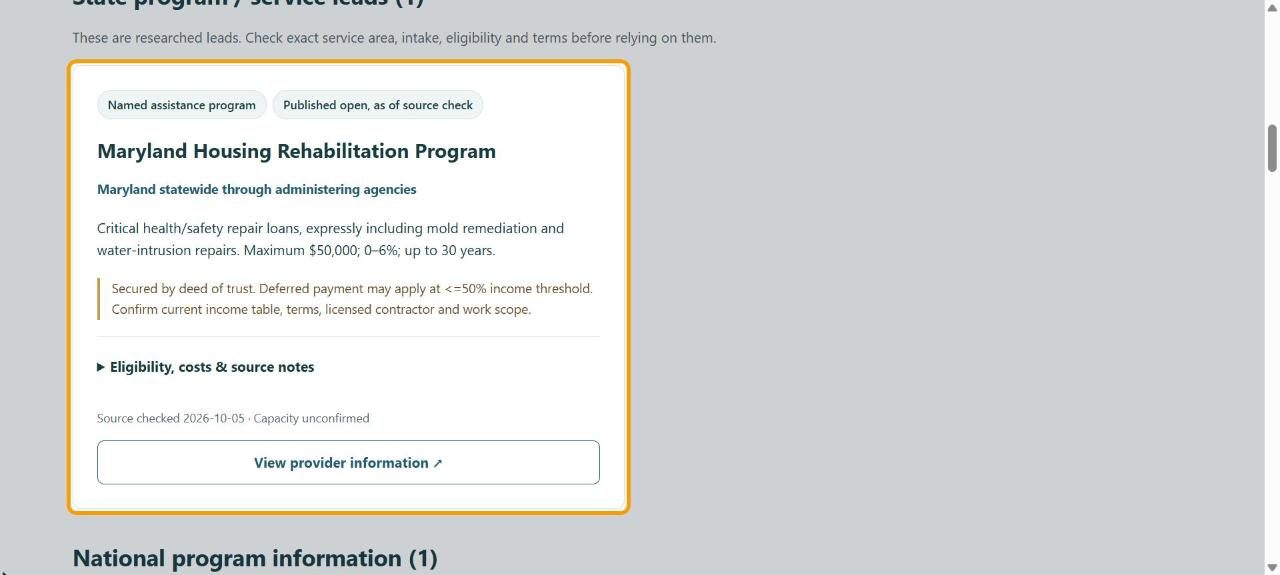
5Read a listing
Each listing says what it offers, its published status and when its source was checked. Open Eligibility, costs & source notes for details, and View provider information for the program's own page. Always confirm eligibility and availability with them.
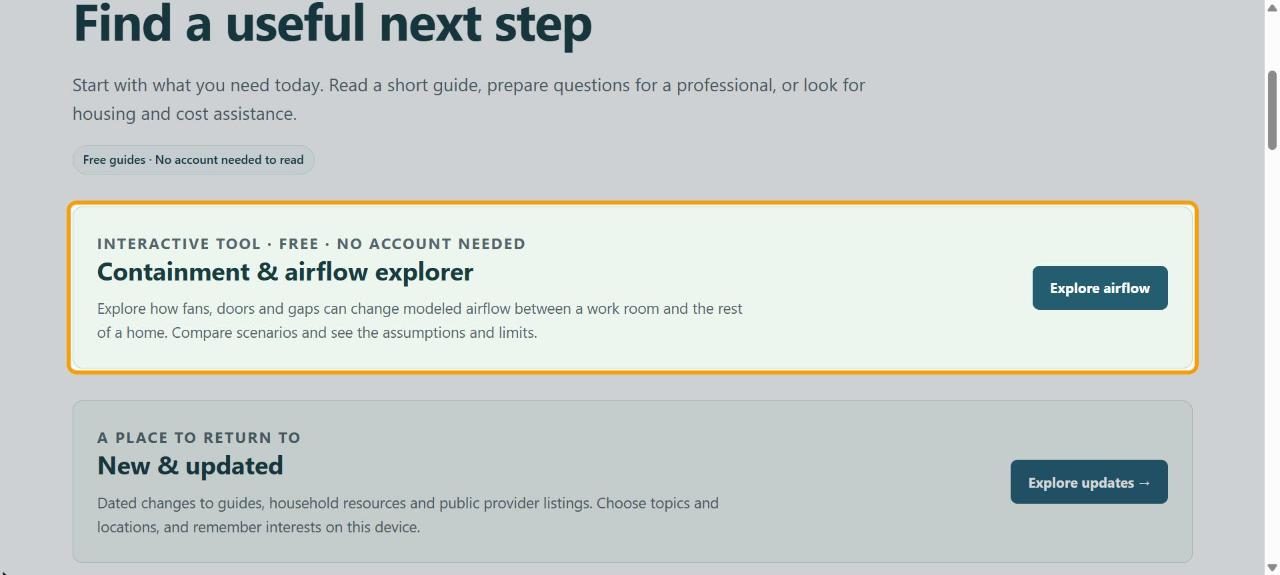
6Plan containment
Back on the Resource Hub page, Containment & airflow explorer shows how fans, doors and gaps change airflow before mold cleanup. Click Explore airflow (see Plan containment with the airflow explorer).
If something goes wrong
- Nothing listed for my county
- Few counties have local listings yet, and no county is complete. Use the state and national listings, and the agency links under the filters.
- A program's page says it's closed
- Listings show the status published when the source was checked. The program's own page is the one to trust.